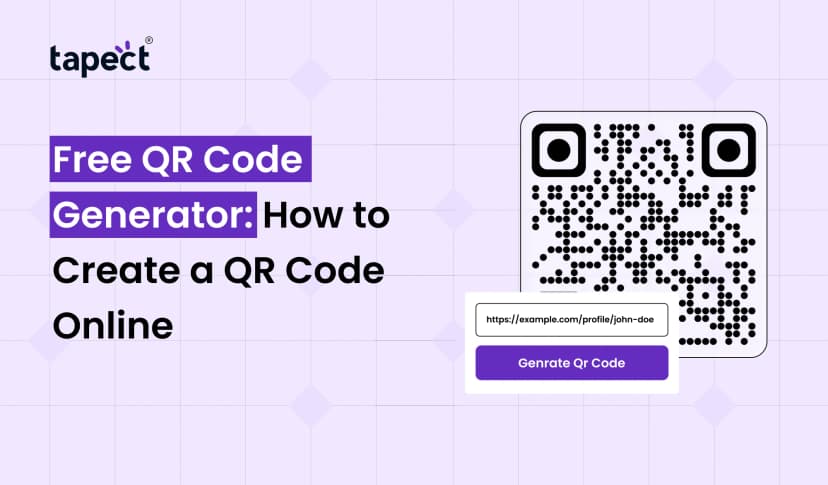
Ever want to share a website, contact info or product link without having to ask people to type in a long URL? With QR codes, this is much easier. People can scan it with their phone and get the information in seconds.
You can generate a code for your website, business card, social media page or marketing campaign using a Free QR Code Generator without paying for simple QR code creation. You don’t need any special software or advanced technical know-how to begin with.
Whether you run a small business, manage a brand or want to share your contact details, QR codes can help you reach out to people in a simple manner. Here is a quick tutorial on how QR codes work, how to make one online and how using Tapect will make sharing your business details easier.
What Is a Free QR Code Generator?
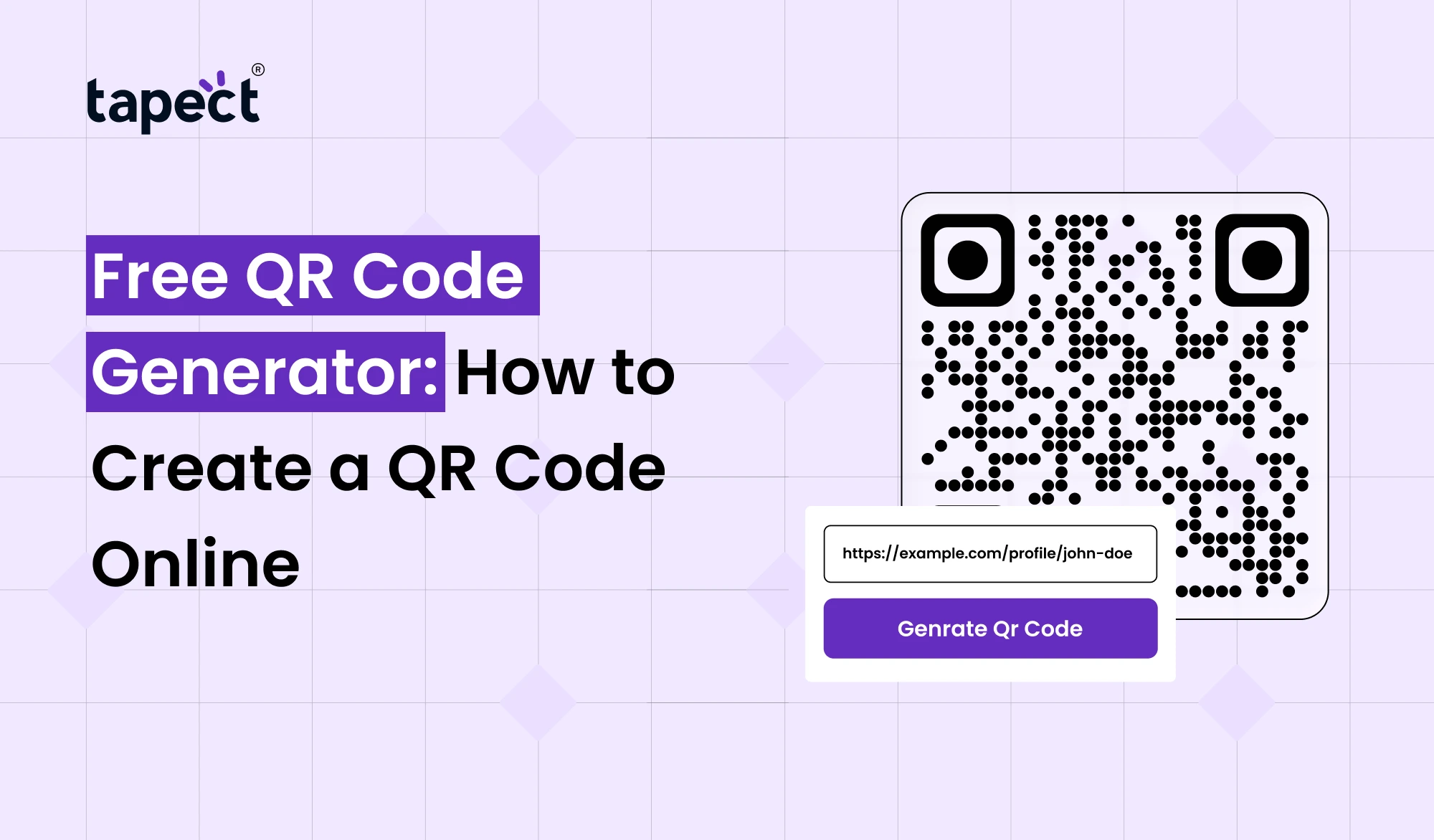
A free QR code generator is an online tool that takes information like a website address or contact details and turns it into a scannable square code. You can also scan the code with a QR code reader or the camera on a compatible smartphone to get to that information.
A restaurant can add a QR code to their menu, or a business owner can use one to share their contact info with potential customers.
A QR code can store or link to many kinds of information such as:
- Website URLs and landing pages
- Contact details and digital profiles
- Social media accounts
- Product information and online menus
- Wi-Fi access details
- Event registration pages
Free QR Code Generator are helpful because they save time. People can scan the code to go to the right page, instead of typing information in manually.
Why Use a Free QR Code Generator?
Free QR Code Generator are useful for businesses, students, freelancers and general users. A Free QR Code Generator gives you an easy way to share information without a complicated process.
Some of the key benefits are:
1. Save Time
No longer do people have to type in long website addresses or search for your business online. One scan and they’re right where you want them to be.
2. Reduce Printing Costs
Add QR code to business cards, brochures, posters and product packaging. If the code takes you to a webpage you can update the information on the webpage without reprinting materials.
3. Connect Offline and Online Marketing
A printed flier can bring visitors to your website and a product label can lead customers to a product guide. QR codes are a bridge between the printed and online worlds.
4. Make Contact Sharing Easier
Share your phone number, email address, website or professional profile as a QR code. This is particularly useful when meeting potential clients at events.
5. Improve Customer Engagement
Customers can be directed to a special offer, a feedback form or a contact page via a QR code. This makes it easy for them to take the next step, and can help your business build stronger customer relationships.
How to Create a QR Code Online for Free
Generating a QR code is easier than you think Here are some simple steps to follow on how to use a Free QR Code Maker.
Step 1: Choose a Reliable QR Code Tool
Open an Online QR Code Generator that supports the type of code you require. See if it provides free downloads and if any features require a paid plan.
Step 2: Select Your QR Code Type
Choose what you want people to see when they scan your code. Popular options are a website link, contact details, a social media page or Wi-Fi details.
Step 3: Enter Your Information
Copy and paste the right website link, contact details or information. Check the spelling and make sure the link is to the right page.
Step 4: Customize Your Design
You can use some tools to change the colours, add a logo, or edit the way the code looks.
Bear these points in mind:
- Use dark code patterns on a light background.
- Leave enough clear space around the code.
- Avoid complicated designs that make scanning difficult.
- Keep the code easy to see on printed materials.
Step 5: Generate and Download the Code
Choose the option to build your code. The result can be downloaded as PNG or other image format with a QR Code Generator Free tool.
Before printing the code professionally, please check the download options.
Step 6: Test Before Sharing
If you can, try scanning the code with different phones. Make sure it opens to the right page, and works at the size you want to print.
Follow these steps and you can Create QR Code Online without any delay.
Static vs. Dynamic QR Codes: What’s the Difference?
There are two common types of QR code tools, and it helps to understand them before you select one.
Static QR Codes
The static QR code stores the information directly in the code. If it is a website url , then changing the destination usually requires a new code .
Static codes for are often appropriate:
- Personal contact details
- Permanent website links
- Basic business cards
- Simple information sharing
Dynamic QR Codes
Dynamic QR codes usually point to a redirect link which is managed through a service. Depending on the provider and plan, you may be able to change the destination or see scan statistics without reprinting the code.
Some dynamic codes may require a paid subscription, and will stop working when the service or subscription ends.
Static and Dynamic Codes Ensure that the Free QR Code Creator you select supports Static Codes, Dynamic Codes, or both.
How Businesses Can Use QR Codes
QR codes aren’t only for sharing website links. Businesses can put them to many practical uses.
Business Cards and Networking
A qr code business card makes it easier to share contact details at meetings, conferences and networking occasions. Scanning the code will open a contact page or save your details.
You can have a printed card and a digital business card to make the experience more connected. You want to get the word out about your professional info but you don’t want to type everything out by hand.
Product Packaging
You can also add a QR code to the product packaging which will have instructions, product details, care tips or warranty information. Customers are able to access useful information whenever they need it.
Marketing Campaigns
Use QR codes on your posters, brochures and other promotional materials. Link them to a landing page where visitors can learn more about what you offer or get in touch with your team.
Customer Reviews
Use a QR code to open your review page, which makes it easier for customers to leave feedback after a purchase or service.
Contactless Networking
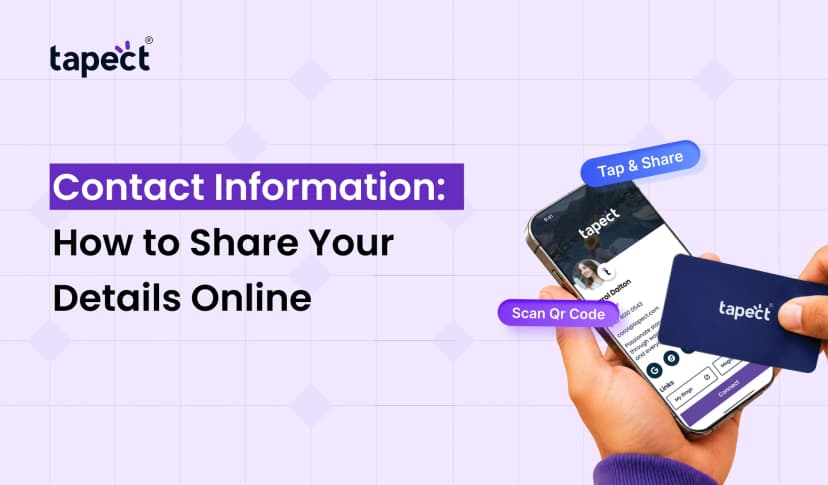
A digital business card is a way for professionals to share contact information online. Another choice is a nfc business card that lets people tap a compatible phone against the card to open your digital profile.
Combining NFC technology with QR code access provides one more way for people to connect, even if tapping isn’t convenient.
How Tapect Helps You Share Contact Details
Tapect enables professionals and businesses to exchange contact details with digital business cards and NFC-enabled cards.
Instead of just handing out traditional hard copy cards, you can give a digital profile that makes it easier for people to get your contact information and professional links.
Tapect enables you to explore ways to:
- Share professional contact information through a digital profile.
- Make networking easier at business meetings and events.
- Use NFC cards for convenient tap-based sharing.
- Give people a simple way to access your online details.
- Support contact sharing through QR codes where available.
Allow exporting of support contacts as QR codes where supported.
If you want to make networking easy, check out Tapect’s digital business card solutions and choose the one that fits your business requirements.
Common Mistakes to Avoid When Creating QR Codes
Even the best QR code design can fail if you miss a few important details.
Using the Wrong Link
Always check the destination before you download and print the code. A broken link means missed opportunities.
Making the Code Too Small
Small code can be hard to scan, especially on print media. Before printing many copies, test final size.
Choosing Poor Colors
Low contrast can make it harder to scan. Choose a clear design and avoid placing the code on a busy background.
Forgetting a Call to Action
People might not know what the code does. Add a little instruction such as “Scan to Save Contact” or “Scan to View Our Menu.”
Ignoring Security
Make sure the QR code leads to a trusted website. When scanning a code from an unknown source, check the destination before entering personal information or making a payment.
Tips for Getting Better Results from QR Codes
Here are some simple tips to make your QR codes more effective:
- Choose the right destination: Send people to a page that matches their needs.
- Add a clear instruction: Tell people what they will get after scanning.
- Test on different devices: Check that the code works on common smartphones.
- Track results when possible: Use a suitable analytics service if you need scan data.
- Keep the destination updated: Make sure the linked page remains active and useful.
- Match the code to your goal: Use a contact page for networking and a product page for sales
A QR code works best when it gives people a good reason to scan it, and an easy next step.
FAQs
1. Is Free QR Code Generator really free?
There are many free tools that let you create and download static QR codes. But you might need paid plans for features like editable destinations, in-depth analytics, and advanced designs.
2. Generate QR code online without registration?
Yes. Some tools can generate and download a basic code without registration. Before you get started, make sure to check the tool’s requirements.
3. Do free QR codes have an expiration?
A static QR code does not have an expiration date. However, if the webpage is removed, the link may not work anymore. Dynamic QR codes operation is subject to the provider’s service or subscription.
4. Can I add a QR code to my business card?
Yes. Print a QR code on your business card that links to your website, contact details or a digital business card. Test before printing.
5. Can I add my logo to my QR code?
Some tools have options for logos, colours and other design options. Always run the altered code to ensure that it is scanning correctly.
6. Are free QR code generators safe to use?
Many will be fine for basic use, but do check the provider’s terms and privacy policy. Don’t put sensitive information into an unknown tool and test out the destination before you share your code.
7. Can a QR code generate more leads for my business?
Yeah. A QR code can lead potential customers to a contact form, a service page, a booking page or digital business card. The results will vary depending on the offer, the page experience and how you promote the code.
Conclusion
A Free QR Code Generator is an easy method to share information, link printed material to online pages, and ease contact sharing. QR codes support a wide array of daily business needs, including websites and product packaging, business cards and marketing campaigns.
To get the best results, choose the right kind of code, have a clear design, test all links, and give people a reason to scan. Just make sure to check what is actually free before choosing a tool.
Get ready to make networking easy. Tapect provides you with digital business cards and NFC solutions to exchange your business information with a simple tap. Make it easier for your contacts to reach you and take the next step in building stronger business relationships.
 22 Oct 2026
 business