Make it easy to pass your details on. When you’re meeting a new client, business owner or applying for a job, people need an easy way to contact you. But it takes time to send your phone number, email address, and social media links one by one.
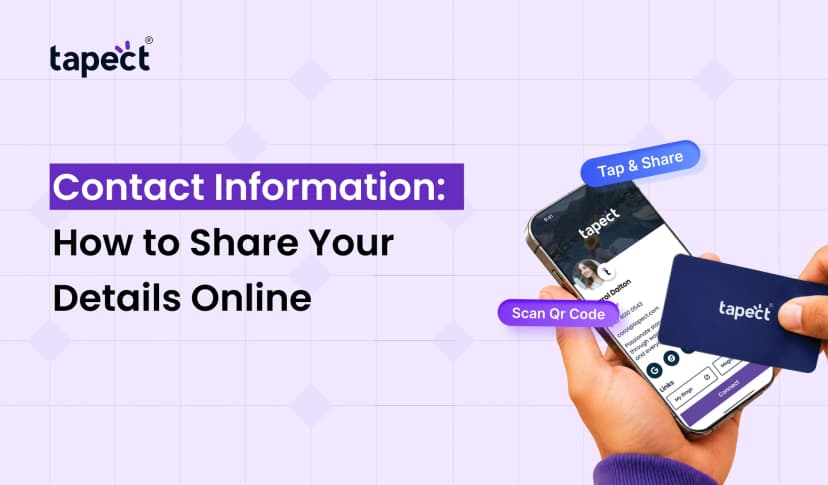
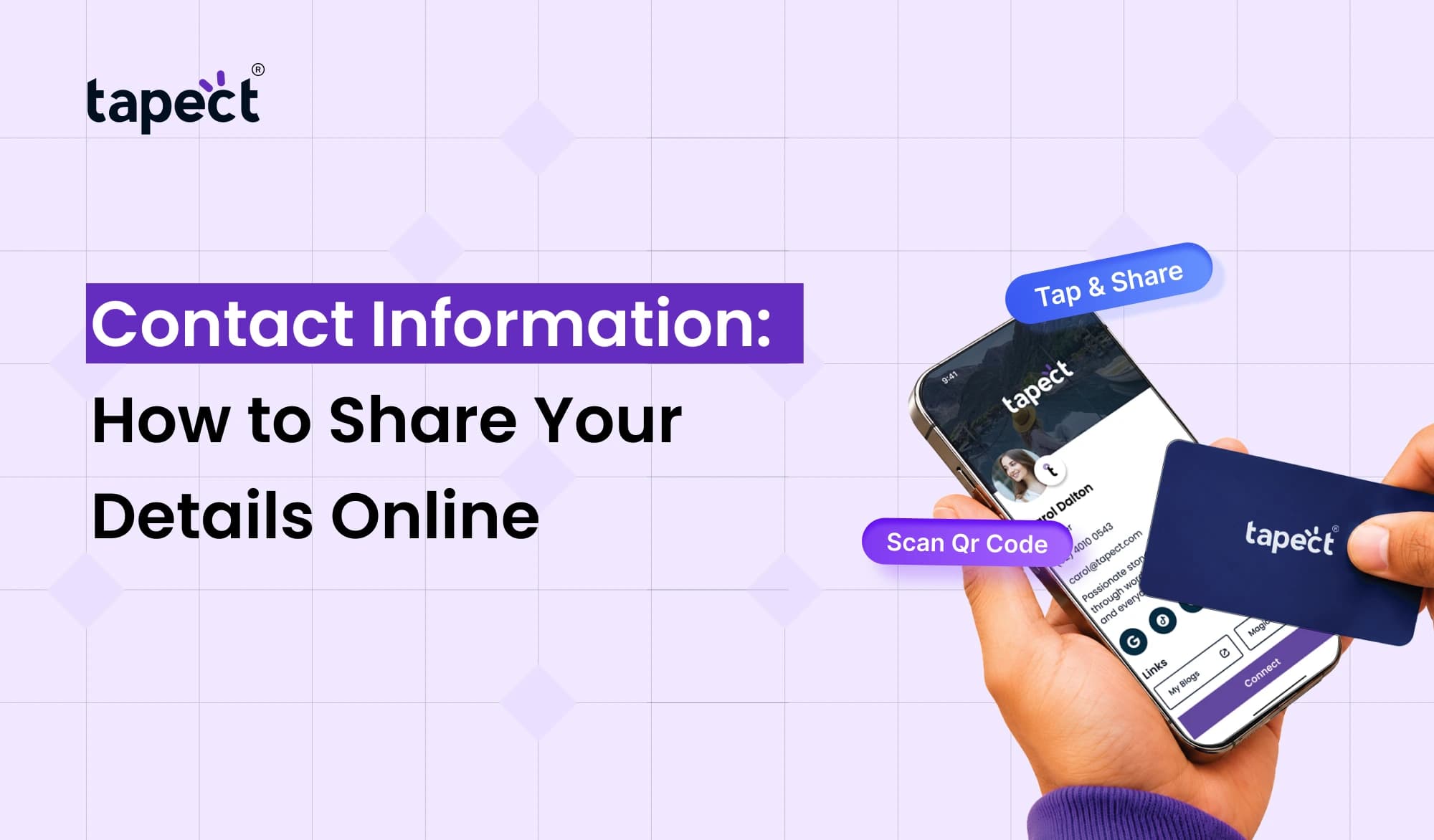
That’s where online sharing makes a difference. Keep your important details in one place, share with a simple link, QR code or tap It facilitates connecting with others and helps you make a professional first impression.
In this guide we’ll explain how to share your Contact Information online, what tools you can use and how Tapect can help you to make networking easier.
What Is Contact Information?
Contact Information is the information you need so someone can contact you. They could be about your personal life, or about your business. They tell people how to contact you, email you, visit your website or find you on social media.
For example, a freelancer might provide an email address and link to a portfolio and a business owner might include a phone number, office address and website.
Common examples are:
- Full name
- Phone number
- Email address
- Business or office address
- Website link
- LinkedIn profile
- WhatsApp number
- Social media accounts
What you include depends on what you want to achieve. You don’t have to tell everyone everything. Select information that helps people reach out to you for the right reasons.
Why Is It Important to Share Contact Details Online?
People are always meeting new contacts at events, meetings, and business gatherings. Later they may forget to get in touch if they can’t find your details.
Sharing your Contact Details online gives people a better chance to save your information and connect with you.
Here are some advantages:
- Quick sharing: Send your details through a link or QR code in seconds.
- Easy access: People can open your profile from their phones.
- Better networking: Make it easier to connect with clients, partners, and colleagues.
- Fewer typing mistakes: Let people copy or save your details instead of entering them manually.
- Simple updates: Update your online profile when your number, role, or website changes.
For the professional or business owner, a simple way to share details can help keep the conversation going after that initial meeting.
Personal Contact Information vs. Business Contact Information
Not all contact profiles need the same information. Your personal and professional profiles should reflect how you want people to contact you.
Personal Contact Information
Personal Contact Information lets friends, family and people you know to keep in touch with you.
It could contain:
- Personal phone number
- Personal email address
- Messaging app details
- Social media profile
- A location or address, if needed
Think before you post private information publicly. For example, you might decide to only give out your personal number to people you trust.
Business Contact Information
Business Contact Information is used to contact customers, clients, suppliers and professional contacts.
It can include:
- Business phone number
- Work email address
- Company website
- Office address
- LinkedIn profile
- Booking or enquiry link
If you run a business, keep your professional details clear and updated. This way potential customers can see how to reach you without needing to look on different platforms.
6 Easy Ways to Share Your Details Online
There are many ways to share your information online. Which is right depends on who you are trying to reach and how you usually reach out to people.
1. Share Your Details Through Email
Email is a convenient way of sending your details to clients, employers and colleagues. Your email signature can include your name, job title, phone number and website.
This means that your details are visible to anyone you send a message to. This is an example of how to humanise a piece of text. – A signature that is easy to read.
2. Use a Digital Business Card
A digital business card is an online profile that contains your professional details. Instead of sending many links you can send one page with your contact information, social profiles, website and other useful info.
Tapect lets professionals share their details easily at meetings, events and networking with a digital business card.
Share your profile via a link or a QR code, depending on how you have it set up.
3. Share a QR Code
A QR code is a quick way to get people to your contact page. They then scan the code with their phone camera, then follow the link to see your details.
You can put it on:
- Printed business cards
- Flyers and brochures
- Event badges
- Product packaging
- Email signatures
- Presentations
Include a short message such as “Scan to Save My Contact” so people know what to do.
4. Try an NFC Business Card
With an NFC business card, you can share your profile when someone taps their smartphone against the card. It’s perfect for networking events, sales meetings, trade shows.
Tapect provides digital business card solutions that can simplify sharing professional contacts. Depending on the card and phone, people can access your profile without having to type in a web address.
You can also carry a QR code as another means of accessing your details.
5. Add Your Details to LinkedIn
Linkedin is a great tool for professional networking. Regularly update your profile with your current job title, company, work experience and relevant links.
When you meet someone in a professional setting, share your LinkedIn profile with them so they can learn more about your work. You can also add the profile link to your online card.
6. Create a Simple Contact Page
A contact page on your website provides a single place for people to find your details. This could be your business email, phone number, office location, inquiry form and social media links.
Make your page mobile friendly. Most people would be able to find the information they are looking for without scrolling through several pages.
Contact Information Examples for Different Needs
How you share your details depends on your work and your audience.
Some examples of Contact Information are:
For a job seeker
- Name and professional email
- Phone number
- LinkedIn profile
- Online resume or portfolio
For a freelancer
- Name and business email
- Phone or WhatsApp link
- Portfolio website
- Booking or enquiry link
For a small business
- Business name
- Contact number and email
- Website and office address
- Social media pages
For a salesperson
- Name and job title
- Company details
- Work phone number
- Digital profile or product catalogue
Use these Contact Information Samples for Inspiration. Include only information useful to your audience.
How to Share Digital Contact Details Safely
Sure, it’s easy to share stuff online, but privacy matters still. Once information is posted to the public, it can be copied or shared by others.
Here are a few simple tips to follow:
- Use a work email for public business profiles.
- Avoid publishing your home address unless it is necessary.
- Check your profile before sharing its link.
- Remove outdated phone numbers and links.
- Share private details only with people who need them.
- Use a trusted platform and review its privacy settings.
You may also decide to have personal and professional profiles separately. This way you can share the right details, without giving away information that should remain secret.
How Tapect Makes Contact Sharing Easier
Tapect makes it easy for professionals to share their information with digital business card solutions. Rather than simply sending a paper card, you can give people an easy way to see your profile online.
This can be assisted by:
- Keep your professional details together in one place.
- Share your profile through a link or QR code.
- Use an NFC business card for tap-based sharing.
- Make it easier for new contacts to find your website and social profiles.
- Update your online details when your information changes, depending on your profile setup.
If you attend lots of conferences, meetings or networking events, this can be a quick and convenient way to swap details.
Best Practices for Managing Your Contact Details
Sharing your details is just the start. They should be accurate and helpful too.
Adhere to these practices:
- Check your details regularly: Make sure your phone number, email, and links still work.
- Keep your profile simple: Avoid adding links that do not help your audience.
- Use a clear profile name: Help people recognize you or your business.
- Make sharing easy: Choose a link, QR code, or NFC option that suits your audience.
- Give people a reason to connect: Include a short introduction or a clear next step, such as booking a call.
A well-maintained profile saves time and helps people contact you with confidence.
FAQ’s
1. What is contact info?
Contact Information is the information that people can use to get in touch with you, for example your name, phone number, email address, website and social media profiles.
2. How to Share Contact Information Online Simply?
Your information can be sent out through email, a contact page, a QR code or a digital business card. One online profile is useful when you want to keep a few details in one place.
3.Is it safe to share Personal Contact Information online?
You can be safe if you just tell what is needed. Avoid sharing personal details publicly and use a separate professional profile when you can.
4. Can I share my contact info if I don’t have a paper card?
Yes. You can send the link to the profile by email, messenger or social media. You can also network in person with a digital business card or NFC business card.
5. What information should I include in Business Contact Information?
Add your name, job title, business email, work phone number, website and relevant social profiles. Include an office address or booking link where useful.
6. How can Tapect help me to share my details?
Tapect provides digital business card solutions allowing professionals to share their profiles using convenient methods such as links, QR codes, and NFC-enabled cards depending on the product.
Conclusion
You don’t need to make sharing your details on the internet difficult. If you have a clean profile, working links and the correct sharing method, people will find you without any extra effort.
Pick a way that works for you, whether you’re a job seeker, freelancer, business owner or sales professional. Make it easy for others to find you Keep your details up to date Protect your privacy.
Want to make networking a bit easier?
Tapect’s digital business card solutions Learn about a simple way to share your details via link, QR code or NFC business card. Facilitate the continuation of each new connection.
 22 Oct 2026
 business