Business networking has evolved. Nobody wants to waste their time punching in phone numbers, storing email addresses or carrying around a stack of paper cards wherever they go any more. They want an easy and quick way to share their information.
This is where Virtual Business Cards come in.
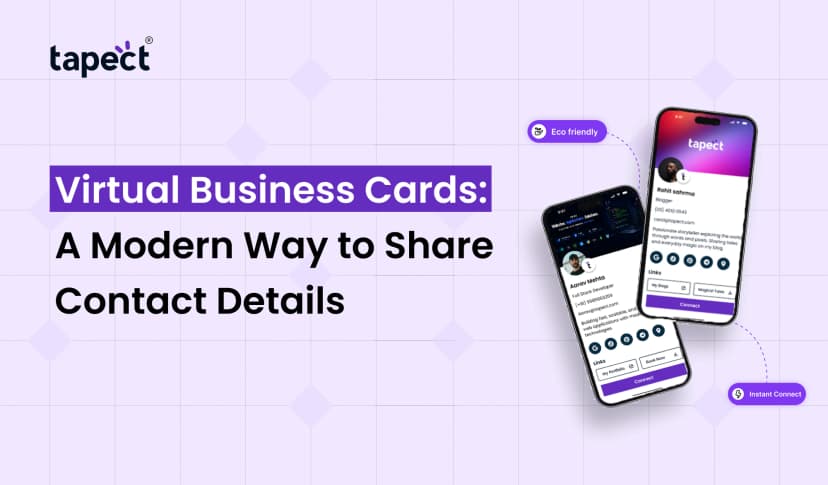
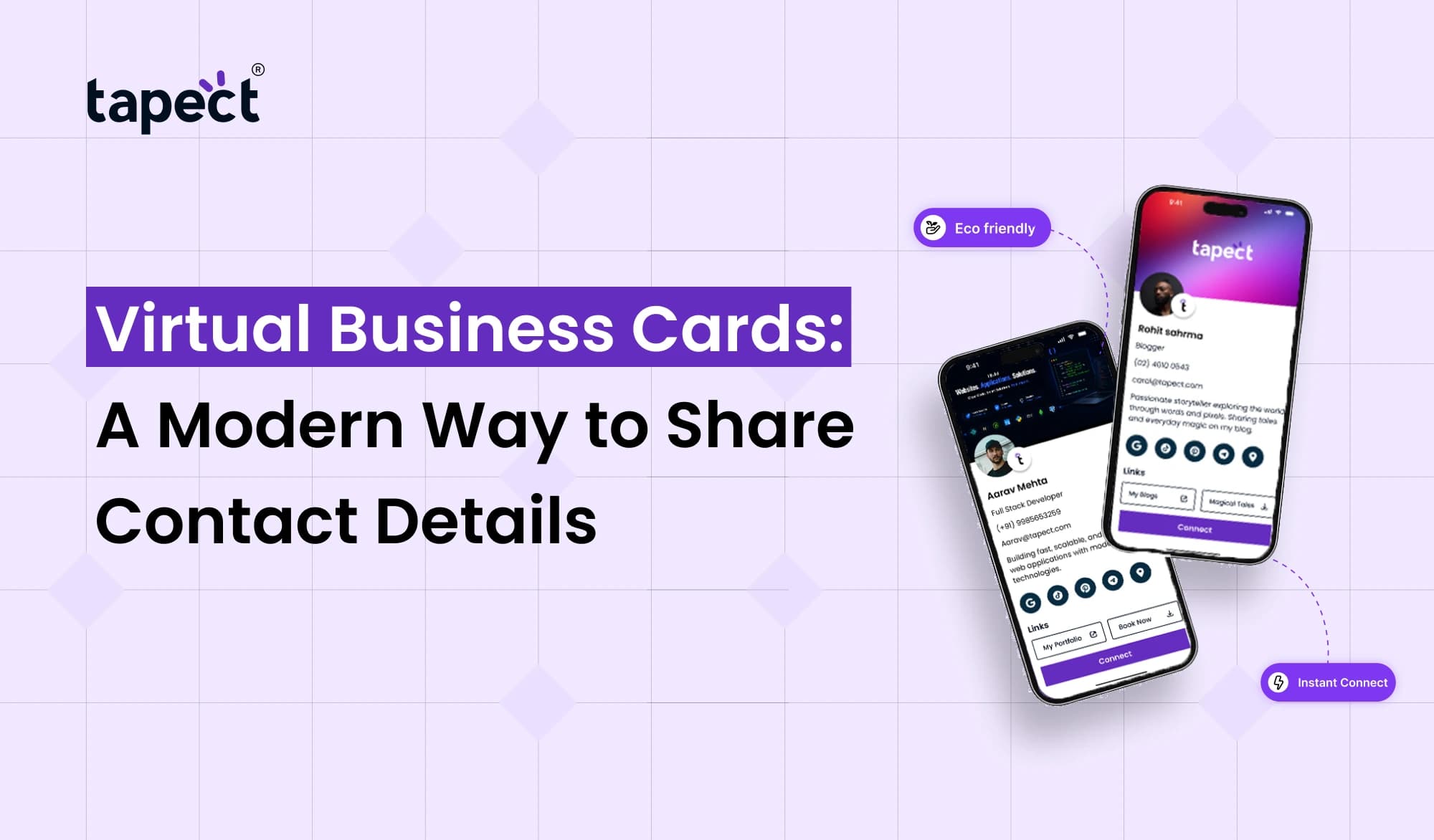
A virtual card allows you to share your name, phone number, email, website, social media profiles and other key information via a digital profile. You can share it with a link, QR code or NFC enabled card.
Virtual Business Cards make networking easier for professionals, freelancers, business owners and sales teams and keeps their contact information in one place.
What Are Virtual Business Cards?
Virtual Business Cards are online versions of traditional business cards. You don’t hand someone a printed card; you send them a link or let them scan a QR code to view your profile.
A typical card might include:
- Your name and job title
- Phone number
- Email address
- Company website
- Social media accounts
- Business location
- Portfolio or work samples
- WhatsApp or messaging links
You can update your details as often as you need, without a new card being printed.
How Do Virtual Business Cards Work?
Using Online Business Cards, it’s pretty simple.
You start by creating your digital profile and adding your contact information. Then you get a link or QR code that you share. You can share this link via WhatsApp, email, social media, or text messaging.
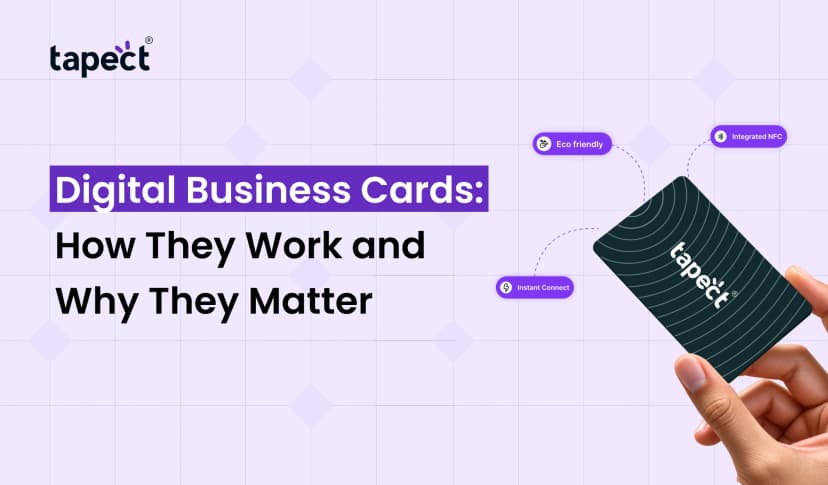
Your profile can also be linked with an NFC card. When someone taps the card against a compatible smartphone, your profile appears on their screen.
This makes an Electronic Business Card handy at meetings, conferences, exhibitions, networking events, and even in informal business chats.
Why Are Virtual Business Cards Becoming Popular?
There is still a place for traditional cards, but they can be easily lost. They also have to be redesigned and reprinted when your information changes.
Many of these problems are solved by virtual business cards.
Here are some of the reasons people are embracing digital sharing:
Easy to Share
No need to lug around hundreds of cards. In seconds, share your profile from your phone.
Easy to Update
Change your phone number? Change your company website? Order a new batch of cards instead of updating your profile.
More Information
Printed cards have limited space. Your digital profile can have links to your website, portfolio, social accounts, videos and more.
Better Networking
Quickly save contact details, making it easier to stay connected after a meeting.
Virtual Business Cards vs Traditional Business Cards
A conventional card provides someone with your basic info on paper. It is simple, but the information cannot be altered after printing.
Virtual Business Cards offer you greater flexibility.
With a digital card you can:
- Add multiple contact options
- Include social media links
- Add a website or portfolio
- Share your location
- Update details anytime
- Connect through QR codes or NFC
This is not to say that printed cards are worthless. Both options are used by many professionals. A printed card with a QR code can be a fast way for people to open your digital profile.
Key Benefits of Virtual Business Cards
There are several practical advantages to utilising Virtual Business Cards for day-to-day networking.
1. Save Time
You don’t need to type in the contact information manually. Open the profile with a quick glance or tap.
2. Reduce Paper Waste
Store your contact information digitally so you can reduce your need for printed cards.
3. Share More Information
Your profile can hold information that could never be put on a small printed card.
4. Reach People Online
You can even send your card to someone without meeting face-to-face.
5. Keep Information Updated
One update can change your profile to anybody who gets your card.
How to Create Virtual Business Cards
You don’t need to be a tech wizard to make virtual business cards.
Follow these simple steps:
Step 1: Choose a Digital Card Platform
Choose a platform where you are able to create and manage your profile.
Step 2: Add Your Details
Fill in your name, job title, phone, email, company name and more.
Step 3: Add Useful Links
If they help your audience, add your website, LinkedIn profile, Instagram account, portfolio, WhatsApp link etc.
Step 4: Customize Your Profile
Use your company logo, brand details and a professional photo of yourself to make your card instantly recognisable.
Step 5: Share Your Card
Share your profile via QR code, NFC card or just share the link.
How Tapect Makes Digital Networking Easier
Tapect allows professionals to share their contact information through a modern digital business card experience.
Tapect allows you to use your digital profile as an easy way to connect with clients, prospects and business contacts.
Some useful features are:
- Tap or scan a QR code to share contact info
- Build a professional digital profile
- Add links to social media and your business
- Make networking at events and meetings easier
- Less reliance on printed cards
- Be flexible with your contact information
A Tapect profile is ideal for people who regularly attend networking events or meet new clients every week.
Using Online Business Cards for Business Growth
Online Business Cards are more than just a way to share your contact details. They can be a small part of your digital marketing strategy.
For example, a salesperson may give a prospect a profile after a meeting A freelancer can include a portfolio link . A real estate agent may include listings of properties. A consultant can be linked to a booking page.
The more useful your profile is the more reasons people have to come to it.
Virtual Business Cards for Different Professionals
Virtual Business Cards can be used by almost anyone who meets clients or business contacts.
Sales Teams
Salespeople can easily swap contact details after meetings and events.
Freelancers
Freelancers can attach their card to portfolios and work samples.
Entrepreneurs
Business owners can post company information with their personal contact info.
Real Estate Agents
Agents can add property links, phone numbers, WhatsApp and social profiles.
Marketing Professionals
Marketers can connect their card to social media, websites and campaigns.
Digital Visiting Card for Networking Events
A Digital Visiting Card can be particularly useful at conferences and trade shows. So instead of taking a tonne of printed cards with you, you can share your profile with each new contact.
You can also save a QR code on your phone. someone can scan it and get your information immediately.
For people that attend multiple events every year, this can make networking much easier.
Virtual Visiting Card with QR Code
You can share a Virtual Visiting Card through a QR code. The QR code is a bridge between a physical interaction and your online profile.
For example, you can print the QR code on:
- Traditional business cards
- Brochures
- Product packaging
- Event banners
- Marketing materials
Someone scans the code and finds your digital profile without having to look for your website.
NFC Business Card and Virtual Profiles
Another simple way to share your digital profile is a nfc business card.
Rather than scanning a QR code, the user can simply tap the NFC card with a compatible smartphone. The digital profile can then be accessed on the phone.
The NFC can be mixed with the QR. This gives more than one way for people to find your information.
Tips for Creating Better Virtual Business Cards
A good digital profile should be useful, not overloaded.
Remember these tips:
- Use a clear name and job title
- Add only useful contact links
- Keep your profile easy to navigate
- Use a professional photo
- Add your company logo
- Check every link regularly
- Make sure your profile works well on mobile devices
- Add a clear way for people to contact you
Your goal is simple: in a matter of seconds someone should be able to tell who you are and how to reach you.
Are Virtual Business Cards Worth Using?
If you frequently share your contact details, Virtual Business Cards can be a good choice.
They eliminate the need to re-print updated cards and give you more room for useful information. They also make it easier to share your profile, on or offline.
You don’t have to replace your traditional cards right away, if you’re using them already. A simple way to start is by including a QR code that directs to your digital profile.
FAQs
1. What are Virtual Business Cards?
Virtual Business Cards are digital profiles containing your contact and business information. You can share them with a link, a QR code or NFC.
2. Can I send a Virtual Business Card without an app?
Yes. On the platform there will be a link or QR code that will open your card in a web browser.
3. What do I put on my card?
Include your name, job title, phone number, email, company website, social profiles, and other links that are informative to your contacts.
4. Can I use a QR code with my digital card?
Yes . A QR Code can lead people directly to your Electronic Business Card or digital profile.
5. What is the difference between a Digital Visiting Card and a printed card?
Printed card has static information while Digital Visiting Card can be updated and shared online.
6. Can an NFC card transfer my digital profile?
Yes. My nfc business card is programd to open my digital profile when someone taps it with a compatible smartphone.
Final Thoughts
In a world where most networking takes place on smartphones, Virtual Business Cards allow you to share your contact information easily. They make it easier to share more information, update your details and keep in touch with new contacts.
The main idea is the same: make it easy for people to connect with you, whether you go with a QR code, link or nfc business card.
Tapect lets you create a professional digital profile that you can share with every new client, customer, partner or business contact you meet.
Want to make networking simple?
Create your Tapect profile, add your important business links and start sharing your contact info with a tap or scan.
 23 Sept 2026
 business