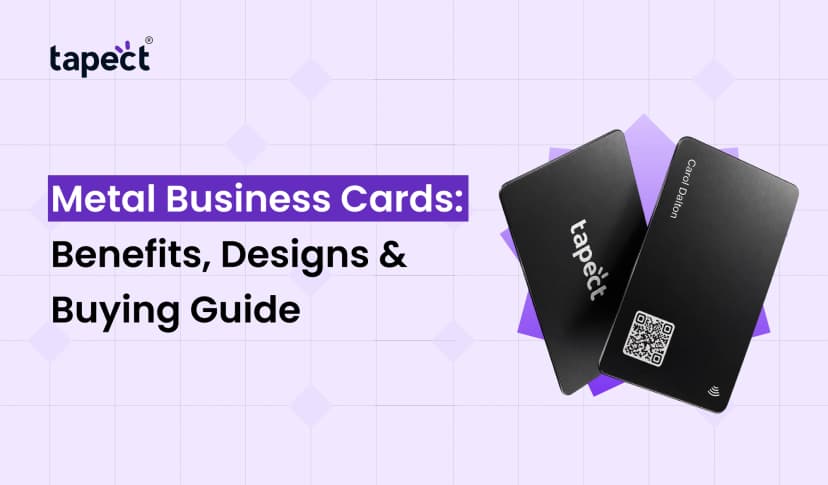
One of the easiest ways to share your contact details is still a business card. But today people want a quicker way to connect.” No one wants to type a long phone number, look up your website or write down all the details.
That is where Online Business Cards come into play.
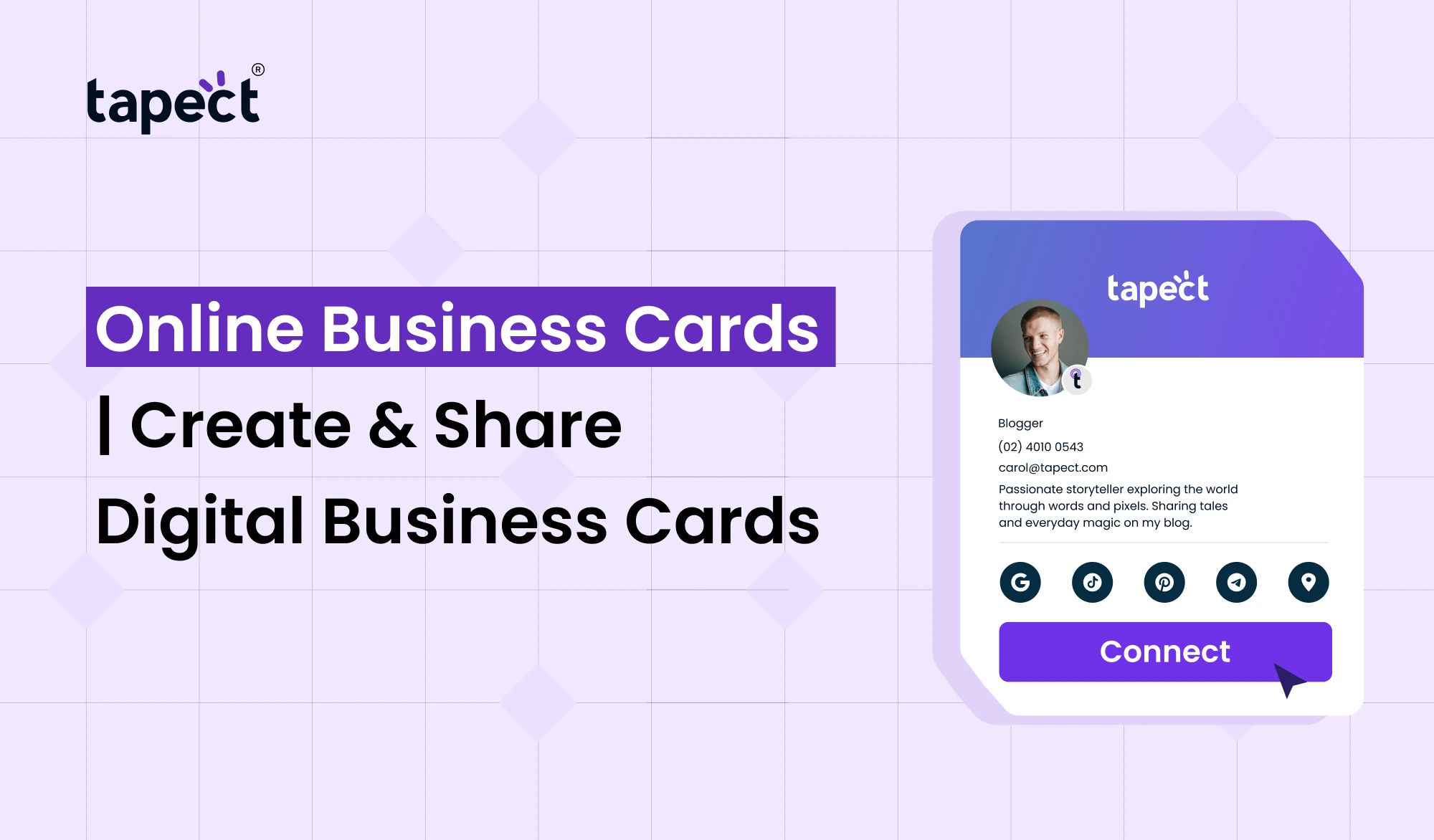
An online card lets you share your name, phone number, email, website, social media profiles and other key details from one, simple page. You can send it via a link, QR code or NFC.
Tapect helps you create a professional digital profile and share your details with others in seconds. It’s an easy way to make networking easier, while keeping your contact information up to date.
What Are Online Business Cards?
Online Business Cards are the electronic equivalent of the traditional business card. Instead of handing someone a printed card, you give them your contact details via a digital profile.
Your profile can have:
- Your name and job title
- Phone number
- Email address
- Company website
- Social media accounts
- Business location
- Profile photo or logo
- Portfolio links
- WhatsApp contact
- A short introduction
The main advantage is that you can update your details without having to print a new batch of cards.
For example, if you change your phone number you can update your digital profile. People who have your card link already have access to the latest information.
Why Choose Online Business Cards?
Traditional cards have their uses but also their limitations. Once information is printed, it cannot be changed.
Online Business Cards solve this problem by having your information online.
They can assist you:
- Quick contact details exchange
- Less paper cards
- Keep information current
- Networking made simple
- Share multiple links from a single profile
- Make a contemporary first impression
They’re useful for salespeople, freelancers, business owners, real estate agents, consultants, recruiters, and pretty much anyone who meets new clients.
Business Cards Online: A Faster Way to Network
There are many options when Searching for Business Cards Online. Some of the services are for printed cards, some let you create digital cards.
Digital cards are handy to have when you meet someone at an event, conference, meeting or business gathering.
Rather than having someone type your information in manually, you can simply hand them your card.
You can also make sharing even easier with a QR code or NFC feature.
How to Create an Online Business Card
Making a professional card doesn’t have to be complicated. Typically, with an Online Business Card Maker, you can make your profile in a few simple steps.
Step 1: Add Your Basic Details
Start with your name, job title, company name, phone number and email address.
Simplify the information. Include only useful information about yourself.
Step 2: Add Your Business Links
Add your website, social media, portfolio, WhatsApp or other links that matter to you.
This gives people more opportunities to get to know you after the first meeting.
Step 3: Choose Your Design
Your Online Business Card Design should reflect your style or your business’ style.
Select a simple layout that makes it easy for users to find important information. That’s a lot of money for a guy who has only played 10 games in his career.
Step 4: Preview Your Card
Preview your card on a mobile device. The majority of people will open your card on a mobile device.
And make sure all links work and the text is easy to read.
Step 5: Share Your Card
When your card is ready, you can share it with a link, QR code or NFC.
Tapect lets you create a digital profile, designed for fast and easy sharing of contacts.
Make Business Cards Online Without Design Skills
Make Business Cards Online without being a professional designer.
A good digital card platform offers simple tools and pre-made layouts. Add your info, choose a design and create a professional looking profile without hours of designing.
Bear these points in mind:
- Use a clear profile photo or company logo.
- Choose easy-to-read fonts.
- Keep your contact details visible.
- Use your brand style consistently.
- Avoid filling the page with too much information.
A simple design will look more professional than a crowded one.
Online Business Cards Design Tips
Design your Online Business Card for clear reading. The person looking at your card should be able to identify you and contact you within a few seconds.
Begin with your most important information.
Your name should be clear to see. Below you will find a job title. Contact buttons should be easy to locate.
I am a writer and I will write for you.
For instance:
John Smith
Digital Marketing Advisor
Helping small businesses grow with SEO and internet advertising.
That little intro gives visitors a reason to reach out to you.
Order Business Cards Online or Go Digital?
If you still want physical cards, you can Order Business Cards Online and combine them with your digital card.
You can select more than one choice.
A printed card can carry your basic information and a QR code that launches your digital profile. This gives people both physical and digital choices.
When is a digital card most useful?
- You go to lots of networking events.
- You have clients coming from everywhere.
- Your contact info is always changing.
- You want to add more than one link.
- You’d like to cut down on printing costs.
NFC Business Cards Online for Contactless Sharing
Another smart way to share contact information is via NFC Business Cards Online.
With NFC, compatible smartphones can open your digital profile with a simple tap. Enter a website address? Not necessary.
The NFC card is useful for professionals who are constantly meeting new people.
You can also mix NFC with a QR code. This gives people two ways to get to your profile.
Sample:
Tap the card → See your profile → Save your contact info → Visit your site
It is a fast and seamless experience.
Use a Digital Visiting Card to Share More
Digital Visiting Card is not just a display of your phone number and email.
You can use it as a little online profile of your professional self.
You can include: depending on your needs
- Company information
- Social media links
- Customer reviews
- Product pages
- Booking links
- Portfolio
- Location
- Payment or inquiry links
So your card stays in use after that first meeting.
How Tapect Makes Digital Networking Easier
Tapect takes professionals to the next level, beyond the limitations of paper cards.
With Tapect you can set up a digital profile so it’s easy to share your contact information.
Some useful features could be:
- Digital contact sharing
- QR code sharing
- NFC-based sharing
- Custom profile information
- Social media links
- Website and portfolio links
- Easy contact saving
The concept is simple: create your profile once and send it to every new person you meet.
How Online Business Cards Can Help Generate Leads
But a good card cannot just be your contact details. It also should get people to take the next step.
Your Online Business Cards can have a clear call to action like:
- Call Me
- Message on WhatsApp
- Book a Meeting
- Visit My Website
- View My Portfolio
These buttons make it easier for potential clients to reach out to you.
You can also connect your card to a landing page, where visitors can learn more about your products or services.
Common Mistakes to Avoid
It’s easy to create online business cards, but a few mistakes can make your card less useful.
Too Much Information
Don’t give out all the details of your business. Keep it in character.
Poor Design
If your card has cramped layouts and tiny text, it can be difficult to use on a mobile phone.
Broken Links
Before sharing your card, make sure every button works.
No Call to Action
Tell visitors what the next step is.
Outdated Details
Check your card every now and then. Keep your phone numbers, websites and social profiles up to date.
FAQs
What Is A Digital Business Card?
Online Business Cards are electronic profiles that allow you to share your contact information, website, social media and other professional details on the internet.
How do I create an Online Business Card?
You can use an Online Business Card Maker like Tapect. Enter your information, customise your profile and share it with a link, QR code or NFC.
Can I design Business Cards Online free?
Some platforms have free plans or basic options. Paid plans come with additional customisation and business features.
Can I use NFC Business Cards Online with a QR code?
Yes. Both NFC and QR code can open your digital profile in more than one way.
Online business cards are better than printed business cards?
They are for different reasons. Digital cards are easier to update and share. Printed cards are still useful at physical meetings. You can have the best of both worlds by using both.
you can update your digital card after sharing?
Yes. One of the great things about digital cards is that you can update your profile and not have to print a new card.
Conclusion
Online Business Cards are a quick and modern way to share your professional details. Share your phone number, email, website, social profiles, portfolio and more in one simple profile.
Create Business Cards Online Connect via QR codes or NFC Business Cards Online for fast contactless sharing.
For freelancers, salespeople, entrepreneurs or business professionals, a digital card can make networking a lot easier.
Create your Digital Visiting Card with Tapect and share it with new contacts. Give people a simple way to connect with you.
Ready to Go Digital?
Don’t just stick with traditional paper cards. Create your Tapect professional profile, add your important links and start sharing your Online Business Cards with clients and business contacts today.
With Tapect, make every connection count and build your digital business card.
 16 Oct 2026
 business