As technology progresses, the ways we pay and transmit information change. Cards will no longer just be pieces of plastic with a name and number. They will be able to store and process information, make secure payments, control access, and allow customers to connect with businesses.
Smart Card technology is an example of this. They use a small chip to make many everyday tasks faster and easier. You may already be using this technology to pay for your purchase, to access your office or the public transport, or to use a banking service.
In addition to the benefits to consumers, businesses can use smart cards to provide better services and improve networking opportunities. In this guide, you will learn how smart cards work and what they are used for. You will also learn smart card technology’s benefits and features.
What Is a Smart Card?
A Smart Card is a plastic or similar card that contains an embedded chip. This chip can store information and, depending on the card type, communicate with a compatible reader or device. Smart cards can provide better data protection and support more advanced functions than traditional magnetic strip cards. There are various forms of smart cards. Some examples include contact cards, contactless cards and cards that support both contact and contactless technology.
How Does Smart Card Technology Work?
There are different types of smart cards and a variety of systems connected to them. The working process of these cards can be explained in the following way:
- The card stores information: A chip holds data needed for a particular service.
- The card connects to a device: It may use a physical contact point or wireless communication.
- The reader checks the data: A compatible system reads the information and checks whether the requested action is allowed.
- The system completes the task: The user may gain access, complete a payment, or share contact details.
Smart card readers serve the purpose of communication with some cards. Cards can be designed in a variety of ways, and depending on the security features and the intended use, different cards may vary in the exact process of working.
Key Features of Smart Card Technology
For different uses, smart cards can be designed in various ways. Some useful features of smart cards are the following:
1. Secure Data Storage
The chip on the smart card can be designed in such a way to protect data stored on it. Some cards even support encryption and authentication. Depending on the card and system, data stored on the card can be protected to a significant extent.
2. Contactless Communication
Contactless communication provides an easy way to communicate with supported devices without the need to insert a card. Cards supporting contactless communication can be used to pay at supported terminals by tapping the card.
3. Fast and Easy Access
digital card can significantly cut down the time required to complete routine tasks. They are frequently used to control access to offices, to effect transit payments and to conduct identity checks, to name a few examples.
4. Multiple Applications
Depending on the design, a card can perform multiple functions. This can eliminate the need to carry several cards for various services.
5. Convenient Information Sharing
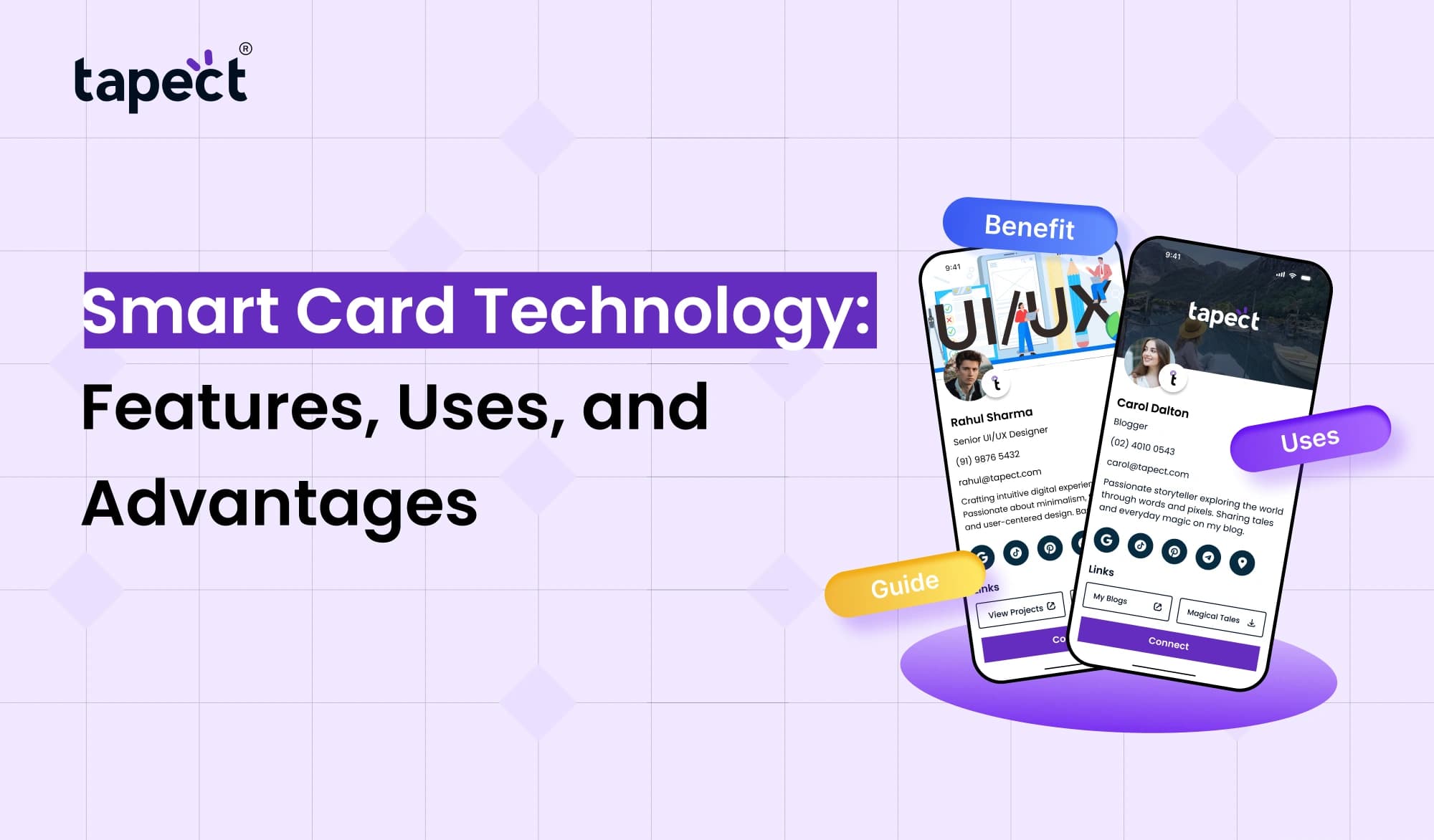
As networking solutions improve, the exchange of contact information becomes easier. A digital business card can contain a person’s contact information, website and social profiles and be shared via a link or QR code.
Common Types of Smart Cards
There are a variety of smart cards, and each has a specific application.
Contact Smart Cards
For these cards to work, they need to physically touch or be inserted into a reader. They are primarily used for financial transactions and official identity cards.
Contactless Smart Cards
These cards use short range wireless connections. They are primarily used for control of access to buildings and for payment and transit systems.
Dual-Interface Smart Cards
These cards can work using either contact or contactless technology.
NFC Smart Cards
Near Field Communication is a short range wireless connection technology. These cards are primarily used for control of access to buildings, and for payment and information sharing.
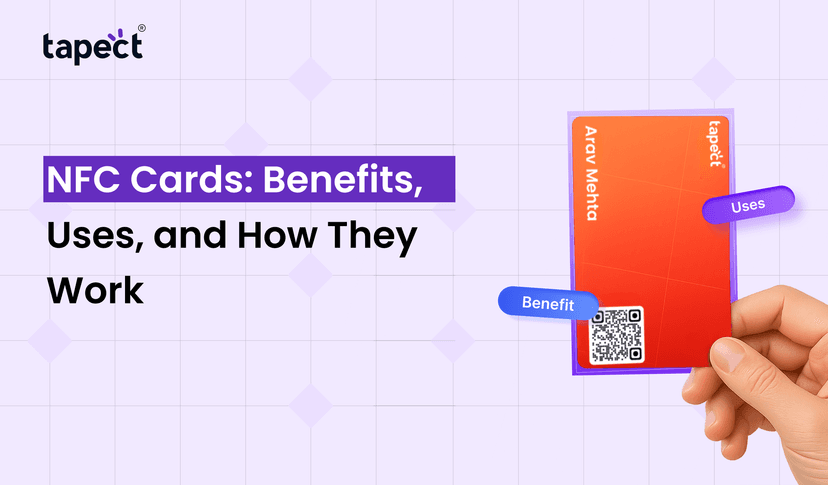
An NFC card linked to a person’s online profile can serve as a digital business card. The information shared, however, depends on the link or service connected to the card.
Uses of Smart Card Technology
Many industries have employed the use of digital card technology to simplify the tasks they do on a day-to-day basis and to assist them in efficiently managing the information they handle.
1. Banking and Payments
Banks have integrated smart card technology to their systems to boost the security of their customers’ transactions. Payment terminals that accept contactless payment allow customers to pay quickly. These systems may include additional checks to guard against fraud.
2. Office Access and Employee Identification
Companies can issue digital card to their employees to manage access to company premises and to control access to specific areas within company premises or to support employees’ attendance.
3. Public Transportation
Public transport authorities can use digital card to issue tickets to passengers. Passengers have to tap their cards at the gate or ticket reader.
4. Healthcare Services
Smart cards can be used by healthcare employees to gain access to the health facility. Smart cards can also be used to control access to individuals’ health records.
5. Business Networking
Individuals can use smart cards to present their contact information. For example, a digital business card can contain the individual’s name, job title, contact information, website, and social media handles. Smart cards can also contain a QR code to provide access to the information. The QR code can be tapped to access the information.
Advantages of Smart Card Technology
digital card have the potential to replace the traditional business cards.
Better Security
More secure systems can be designed using chips instead of magnetic stripes. But, as with any system, there are ways to bypass security. Continuing good design practices and secure usage are still important.
Faster Transactions
Contactless systems allow for easier, faster transactions.
Less Paperwork
Some systems can eliminate the need for printed forms and manual data entry.
Easy to Carry
Cards are small and easily carried in a wallet or pocket.
Improved Business Networking
Contactless and smart cards allow users to edit and update their information online, eliminating the need for them to print new cards whenever their contact information changes.
Smart Card vs. Digital Card: What Is the Difference?
Smart cards rely on a chip to store information. Digital cards are stored on a device (like a computer or phone) and can be accessed via the internet.
The two can work together, but are definitely not the same. For instance, a digital card issued by a bank can be used to make payments, while a digital card can be used to share contact information.
Choose the system that meets your needs, whether it be payment, access control, or networking.
How Tapect Helps Make Business Networking Easier
Tapect makes digital business cards to enable people to share their information in a modern, convenient way.
Instead of relying on traditional business cards, you can now use a connected profile to provide your professional information quickly.
Tapect’s Digital Networking Solution offers several benefits, including:
- Share contact details: Help people find your phone number, email, and other key information.
- Make networking easier: Use a compatible NFC card or QR code to open your profile.
- Show your online presence: Add your website, portfolio, and social media links.
- Keep information updated: Change details on your linked profile without needing to reprint the physical card, where supported.
- Create a professional impression: Give clients and contacts a convenient way to connect with you.
For freelancers, business persons, sales people, and other professionals who attend meetings and events, this makes work easier.
Things to Consider Before Choosing a Smart Card
Before choosing a digital card, you should consider these:
- Purpose: Decide whether you need payments, access control, identification, or networking.
- Compatibility: Check whether your card works with your reader, phone, or existing system.
- Security: Look for suitable authentication and data protection features.
- Cost: Compare the card price with setup, maintenance, and replacement costs.
- Ease of use: Choose a solution that people can understand and use without difficulty.
Use and understanding: Will the average person be able to use the system?
If your priority is networking, using a linked digital profile and a compatible NFC card will do the trick. However, if your goal is secured payments or access control, go with cards designed specifically for that.
Frequently Asked Questions
1. What are some uses of a Smart Card?
A Smart Card can be used for payment and identification purposes, as well as for controlling access to offices and for transport services, and other services where information or secure communication is required.
2. Is a smart card more secure than a traditional card?
In general, a chip-based card can offer stronger security features as compared to a basic magnetic stripe card. The actual level of security is a combination of the card, the reader and the system supporting the card.
3. What is a smart card reader?
A smart card reader is a device which communicates with a smart card to read information or to perform an authorized operation.
4. Is an NFC card the same as a smart card?
Not always. An NFC card is a type of smart card, but not all digital card are NFC enabled.
5. Can smart cards be used for business networking?
Yes. NFC-enabled smart cards can be used for networking and connecting people to their online contact profiles. Information can also be displayed on a QR code.
6. Can I alter the information on my digital business card?
Depending on your card service, you may be able to edit your linked online profile without altering your card’s physical copy. The options available depend on the service provider and the card’s configuration.
Conclusion
New digital card technologies are transforming everyday business activities. digital card help banks and other financial services institutions improve their business processes. For employees and employers, these cards can simplify numerous time-consuming activities from opening bank accounts to gaining office access.
Smart cards help make public transport and other services more convenient. Smart cards help professionals take control of their business networking activities.
The choice of which card to use, depends on the goals of the user or the organization. Ease of use, cost, and other considerations should be factored in.
For networking professionals who want a simple way to share their contact information, Tapect provides a simple way to network digitally.
Tapect provides digital business cards. Its time to make networking easier. Visit us to learn more.
 29 Oct 2026
 business