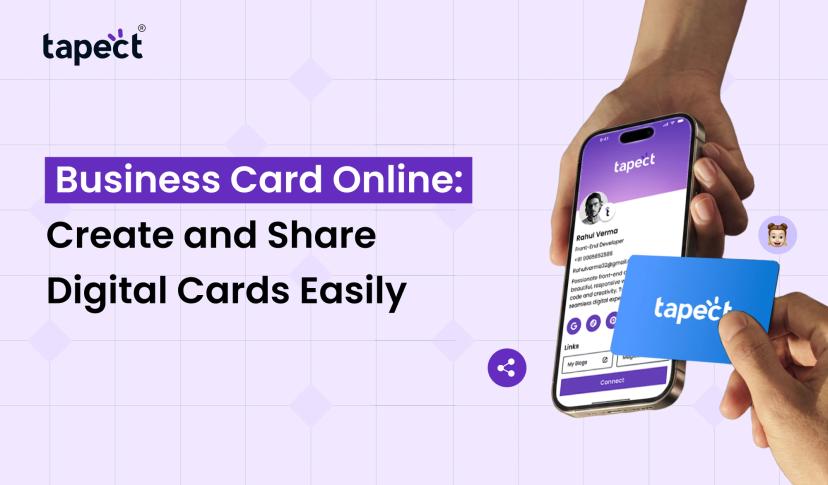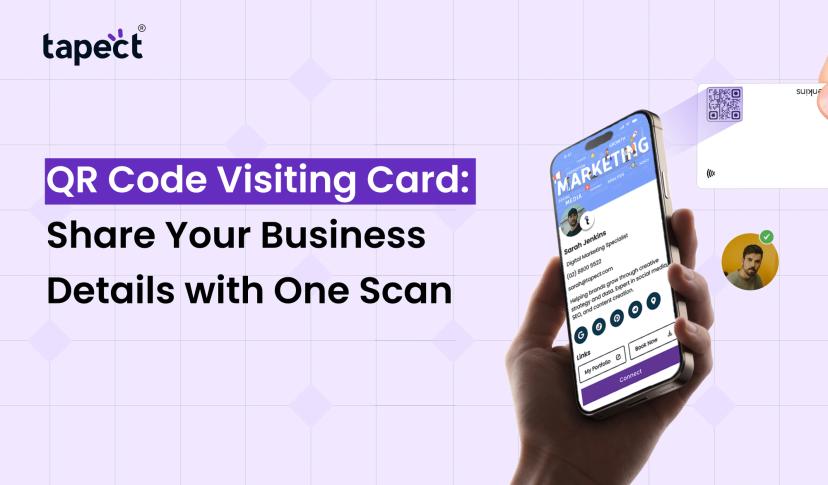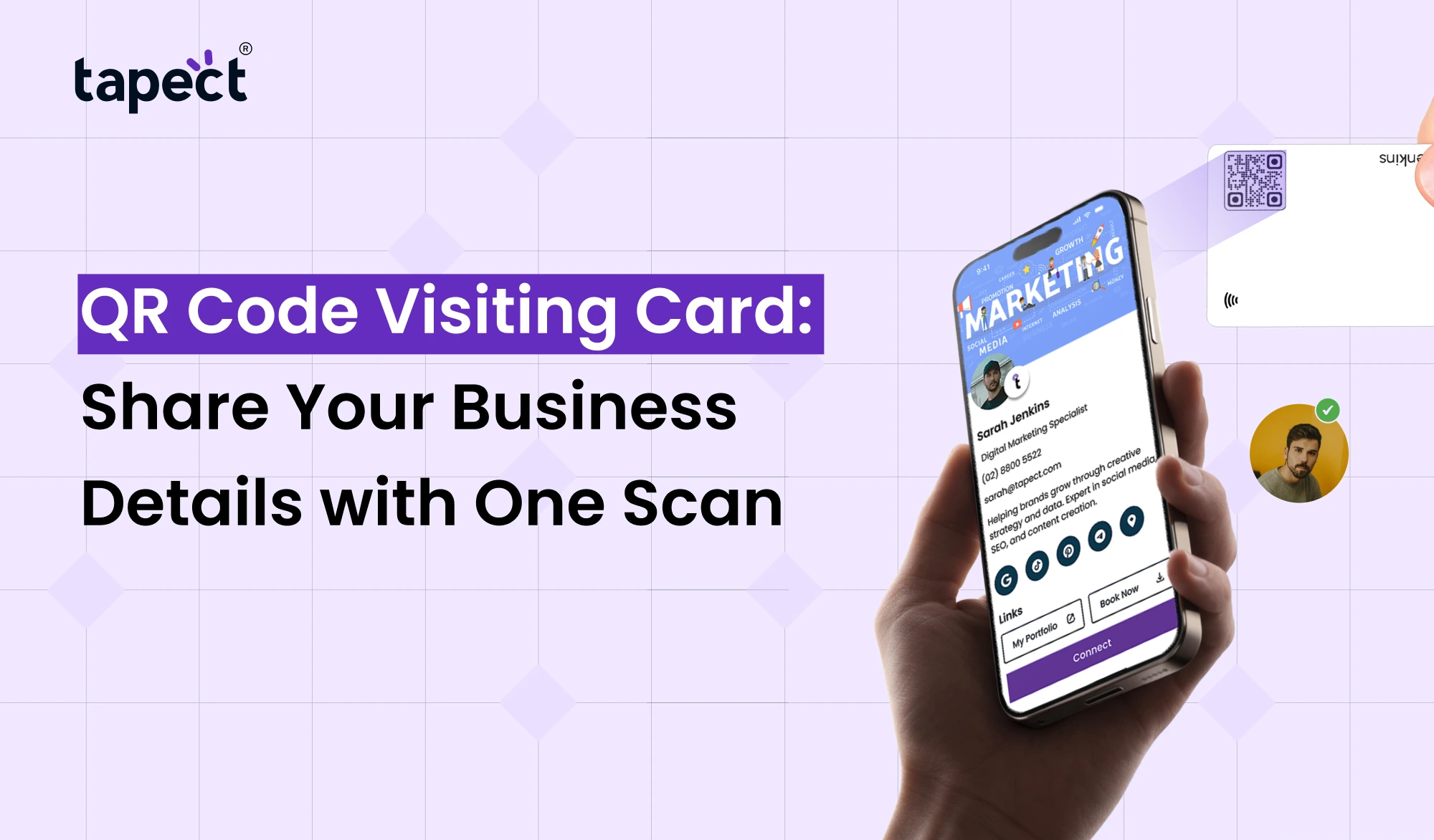
It should be quick and easy to share your business details. Whether meeting a new customer, attending a business event or connecting with someone online, you want people to be able to save your contact information easily. With a QR Code Visiting Card, this is possible. QR codes allow you to scan and view your business information in seconds instead of typing phone numbers, email addresses or website links.
Traditional paper cards still serve a purpose, but they have some limits. People can lose them, forget to save your number, or have a hard time reading small details. QR Code Visiting Card makes sharing contact information easier and gives customers an easy way to connect with your business.
Tapect is a new way of sharing your professional details via digital business cards and QR codes. A quick look at your profile can help people connect with you whenever they need your services.
What Is a QR Code Visiting Card?
A QR Code Visiting Card is a digital way to share your business and professional information. It has a scannable QR code that, when scanned by the smartphone camera, takes people to your digital profile.
Important information in your digital profile can include:
- Your name and job title
- Business or company name
- Phone number and email address
- Website and social media links
- Business address
- Company logo and profile details
- WhatsApp contact information
You don’t have to put all these details on a little piece of paper. Instead, a single QR code can provide people with access to your entire business profile.
Suppose you meet a prospective client at a trade show. You can show your QR code instead of searching for a pen or asking them to type your number. They scan it. Open your profile and save your contact details.
How Does a QR Code Visiting Card Work?
With QR code, it is easy to share business info. No special technical knowledge or extra equipment is required.
This is how the process works:
1. Create Your Digital Profile
Get started by adding your basic business information. Please include your name, contact information, company name, web site and social media accounts.
2. Generate Your QR Code
Generate a QR code that’s linked to your digital profile once it’s created. Here is your code to share digitally.
3. Share Your QR Code
You can display your QR code on your phone, print it on a business card, add it to your email signature or share it on WhatsApp.
4. Let People Scan and Connect
When someone scans the code, it will open your digital profile on their smart phone. They can check your details, visit your website, call you up or save your contact information.
This is the simple process that makes a QR Code Visiting Card so useful for everyday business networking.
Benefits of Using a QR Code Visiting Card
A digital card is not just a replacement for a paper card. It provides more opportunities to interact with customers and disseminate useful information.
1. Share Details in Seconds
Nobody likes to type long phone numbers or to search for contact details. It’s easier to do with a quick scan. It lets your customers pull up your information without having to type it all in themselves.
2. Keep Your Information Updated
One of the problems with printed cards is that the information can become out of date. You may need to print new cards if you change your phone number, email address or office location.
With a digital profile, you can change your info online. Later people scanning your QR code will see the latest details.
3. Reduce Printing Costs
Printing business cards can increase your expenses over and over. A digital option reduces the need for printing frequently.
It’s a good option for companies that want to distribute contact information to lots of people, too.
4. Make a Better First Impression
A clean and professional digital profile can help your business look modern and professional. Customers can view your services, social links and website from one place.
5. Easy to Share Anywhere
You are not restricted to face-to-face meetings. You can send your QR code using :
- WhatsApp messages
- Email signatures
- LinkedIn profiles
- Business presentations
- Websites and landing pages
- Printed marketing materials
QR Code Visiting Card You can network both online and offline.
Why Are QR Business Cards Useful for Different Professionals?
A digital card can be useful for virtually anyone who wants to make professional contacts.
Business Owners
Business owners can share company info, product info, website and contact number with potential customers.
Sales and Marketing Teams
Salespeople get to meet new people on a regular basis. They can share their details using QR business cards while attending meetings, exhibitions and client visits.
Freelancers and Consultants
One profile enables freelancers to add their portfolio, services, social media accounts and contact information. It helps potential clients to understand what you do.
Real Estate Agents
Property agents can share their contact details, office location, property website and WhatsApp info with buyers and sellers.
Event Organizers
Code business cards simplify the exchange of contact information between visitors and organizers at exhibitions, conferences and networking events.
How Tapect Makes Digital Networking Easier
Tapect makes sharing contact details for professionals and businesses easy and modern. With Tapect Digital Business Cards, people can find you and connect with you more easily.
Some useful features of Tapect are:
- QR Code Sharing: Let people access your digital profile with a quick scan.
- NFC Technology: Share your profile by tapping an NFC-enabled card on a compatible smartphone.
- Digital Contact Details: Display your name, phone number, email, and company information in one place.
- Social Media Links: Add your important social profiles so people can connect with you online.
- Easy Contact Sharing: Give people a simple way to save your details.
- Modern Design: Choose a professional digital profile that matches your brand.
Best of all, you can open your digital profile right on your smartphone, without downloading a separate app or creating an account.
Tapect is a simple way for small business owners, freelancers or sales team managers to share their professional information.
Tips to Create an Effective QR Code Visiting Card
Generating a QR code is just the first step. Your online profile should also be clear, useful and easy to understand.
Remember these tips:
- Use Clear Information: Add your correct name, phone number, email, and company details.
- Choose a Professional Design: Keep your profile clean and easy to read.
- Add Important Links: Include your website, LinkedIn, Instagram, and WhatsApp.
- Test Your QR Code: Scan it with different smartphones to check that it works properly.
- Keep Details Updated: Review your profile whenever your business information changes.
- Make It Easy to Contact You: Keep your phone number and email easy to find.
A structured QR Code Visiting Card helps the people to know you and how to contact you.
FAQs
1. What is a QR Code Business Card?
What is a QR Code Visiting Card? A QR Code Visiting Card is a digital business card that shares your contact information, website, social media links, and other professional details through a scannable code.
2. How do I send my QR code to customers?
You can show your QR code on your smartphone, print it on your marketing materials, add it to your email signature or send it via WhatsApp.
3. Can customers save my contact information after scanning?
Yes. Depending on the digital card capabilities, customers will be able to view your contact information and save your details directly on their smartphone.
4.Are QR business cards better than traditional cards?
QR business cards offer more flexibility as they can add website links, social profiles and updated contact information. Physical networking still works with traditional cards.
5. Can I edit my information after I create a QR code?
Yes. With a dynamic digital profile you can update your contact details without having to create and print a whole new QR code.
6. Does anyone need an app to scan my QR code?
No. Most new smartphones have QR scanning built into the camera. People can scan the code and open your digital profile in their browser.
7. Can I create a QR code for my business?
That’s it. Business owners, freelancers, sales teams, consultants and other professionals are able to use QR codes to share their contact details and help customers get in touch with them.
Conclusion
The way people share business information is changing. “Customers want to see contact details, websites and social media profiles right away and not have to type all that information in themselves. This process is made easier with just one scan with a QR Code Visiting Card.
It’s a tech that anyone can use, from business owners and freelancers to sales teams and marketing pros to make networking easier. You can share more, update your details and connect with people in a modern way.
Tapect will take your business networking to the next level. Create a professional digital profile, share it via QR codes or NFC technology and make every new connection easier.
Want To Make Business Networking A Breeze?
Tapect – Upgrade your old business card Build your own digital business card and allow people to connect with you with a simple scan.
Check out Tapect today and make sharing your business details a breeze!
 20 Nov 2026
 business