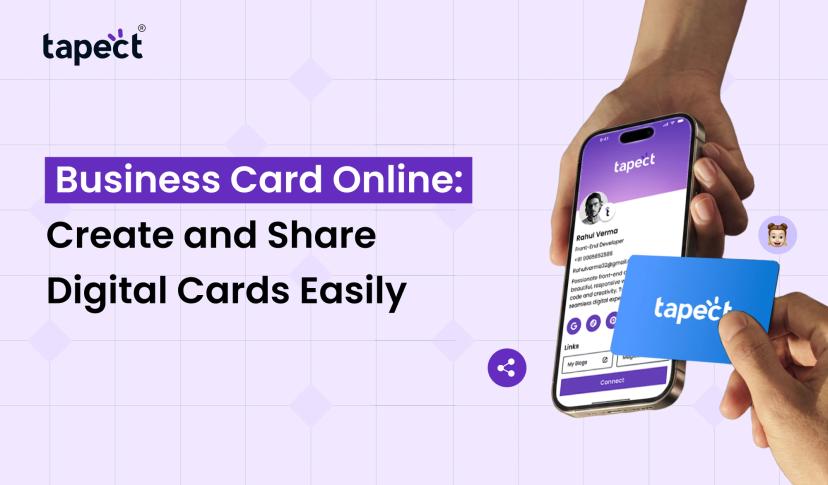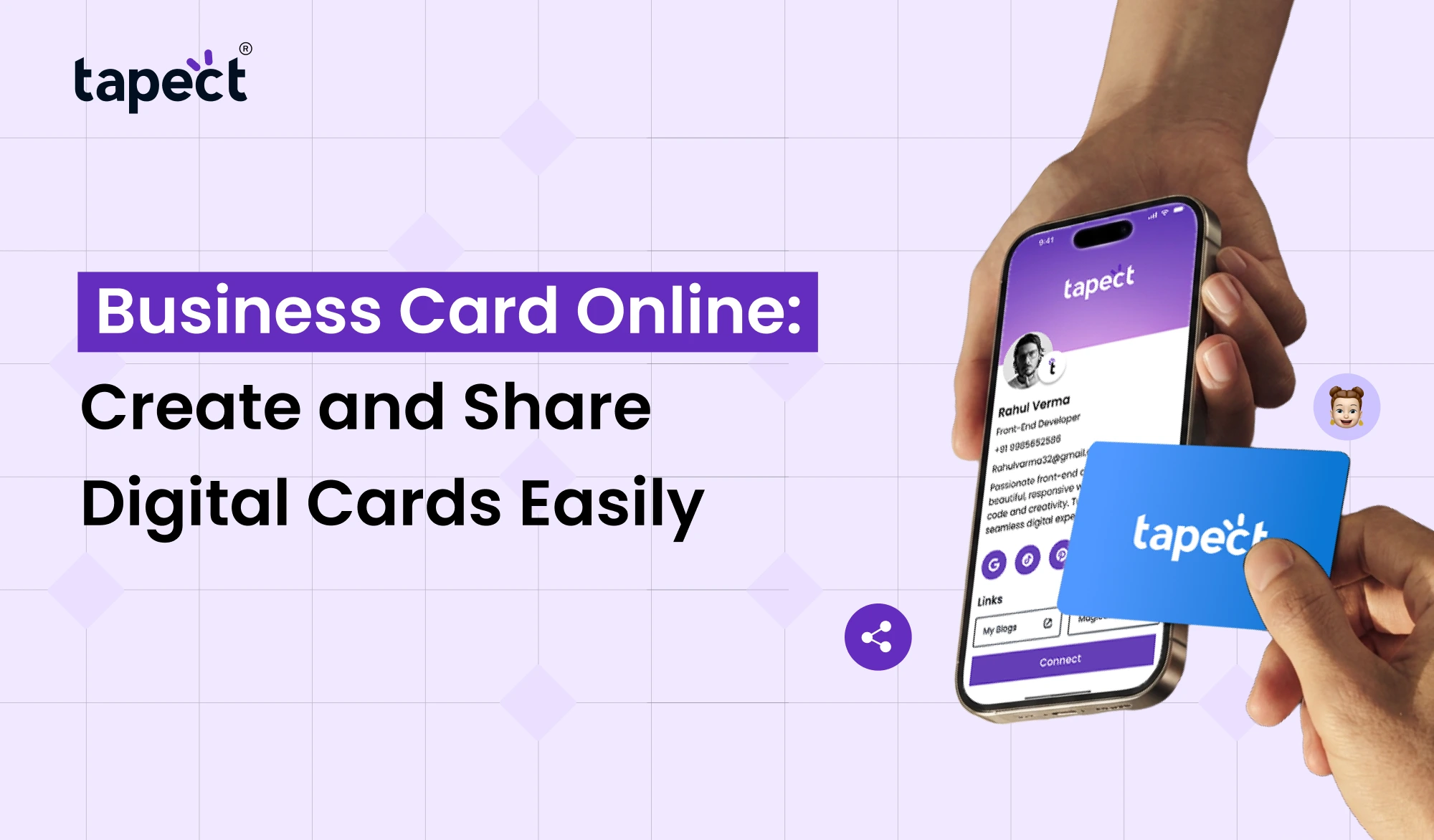
A business card is a great way to introduce yourself and keep your business in the mind of customers. But it is not always easy to carry cards printed everyplace. Sometimes you don’t have cards, or forget to bring them with you, or need to change your contact details. Here is where a Business Card Online can help things easier.
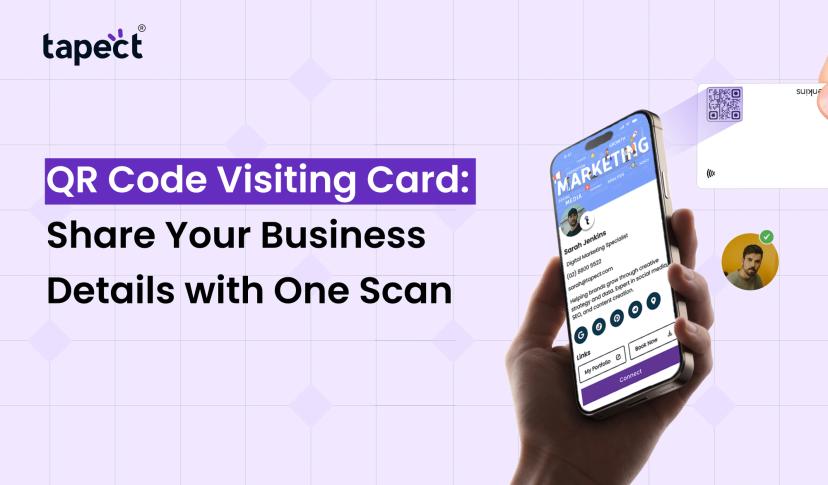
With an Business Card Online, you can share your name, phone number, email address, website, and social media links with a single digital link. It can be sent via WhatsApp, email or social media. You can also scan a QR code or tap an NFC card to view your details.
Tapect makes creating and sharing a digital business card simple. Create your professional profile, store your contact information in one place and share it with people in a few seconds.
Let’s understand the working of Business Card Online and how they are helpful for the modern businesses.
What Is a Business Card Online?
What is a Business Card Online? A Business Card Online is a digital version of a visiting card. Instead of writing your information on a piece of paper, you create a profile that people can open on their smartphones.
It might contain important information such as:
- Your full name and job title
- Business name and company logo
- Phone number and email address
- Website and office address
- WhatsApp contact details
- LinkedIn, Instagram, and other social media links
- Business services and product details
The best part is you don’t need to print a new card every time you change your information. You can update your profile online and share latest details with other people.
Why Should You Choose a Digital Business Card?
Visiting cards have their place, but digital cards give you more ways to connect with people. They’re easy to share, easy to update and handy for everyday business use.
Here are some reasons why you should go for a Business Card Online for your professional needs.
1. Share Your Details Anytime
No need to carry a stack of printed cards with you. Simply share your digital card link via WhatsApp, email or on social media. Anyone can open it whenever they want.
2. Save Printing Costs
Printed cards require design, paper and printing money. You may need to print another batch if your contact information changes.
A digital card eliminates the need for repeated printing and lets you manage your contact details online.
3. Update Information Easily
Have you changed your phone number, job title or website? You can update your digital profile and you don’t have to create a brand new card.
This helps you to keep your professional details accurate and up to date.
4. Make a Better First Impression
A well-designed digital card helps people to get a clear view of your business. You can put your company details, social media profiles, website and other useful links in one place.
5. Connect Through NFC and QR Codes
Sharing is made even easier by NFC and QR codes. Tap an NFC-enabled card or scan a QR code to access your digital profile.
This is useful in business meetings, exhibitions, networking events and client visits.
How to Create a Business Card Online
It’s not difficult to make a digital visiting card. No special design skills or technical knowledge is needed. With a platform like Tapect you are able to set up a professional profile in just a few simple steps.
This is how to begin.
Step 1: Choose a Digital Business Card Platform
First, select a platform where you can build and maintain your digital profile. Look for easy editing, mobile-friendly designs and helpful sharing features.
Tapect provides individuals and companies with easy to share digital business cards.
Step 2: Add Your Contact Information
Add the details you want people to see. Be sure your information is correct and simple to understand.
Add details including:
- Name and professional title
- Company or brand name
- Contact number
- Business email
- Website URL
- Office location
- Social media accounts
Step 3: Customize Your Card Design
Your digital card should be your professional persona. Use a nice clean layout, appropriate colors and readable text.
You can make your profile look more professional by using your company logo and brand colors. Readable simple design. Don’t add too much information. Don’t add or remove any information. Don’t add any other text to the output.
Step 4: Add Your Website and Social Links
Give visitors more opportunities to learn about your business. Add links to your website, LinkedIn profile, Instagram page, WhatsApp, or any other place customers can reach you.
Step 5: Save and Share Your Card
When your profile is ready, save it and share the link to your contacts. You can also speed up sharing with a QR code or NFC-enabled card.
That’s it! Your Business Card Online is ready to help you connect with customers and business partners.
Best Features to Look for in Online Business Cards
Not every digital card platform provides the same features. Before you choose one, see if it has the tools you need.
Take a look at these useful features:
- Easy profile editing: Change your contact information whenever needed.
- QR code sharing: Let people scan a code to open your digital card.
- NFC technology: Share your details with a simple tap.
- Social media links: Connect your professional accounts in one place.
- Mobile-friendly design: Make sure your card works well on smartphones.
- Contact saving: Allow visitors to save your details to their phones.
- Website integration: Add your business website for more information.
Tapect provides digital business card solutions that enable users to share professional information with NFC technology, QR codes, and digital profiles.
Business Card Makers: What Should You Check?
There are plenty of online business card creators. Some offer ready-made templates, while others provide advanced options for creating a personal business profile.
Here are some things to consider before you pick a platform:
- Simple setup: Choose a tool that is easy to use, even if you have no design experience.
- Design choices: Look for clean and professional layouts.
- Sharing options: Check for QR code, link, and NFC sharing.
- Editing tools: Make sure you can update your information later.
- Mobile support: Your card should look good on different screen sizes.
The right platform should save you time and make sharing your details easier.
Can You Create Biz Cards Online for Free?
Yes, there are platforms out there that offer free digital business card making. They might give you basic templates and places to put contact information.
When looking for biz cards online, check what is included in the free plan. Some services may charge extra for additional designs, advanced features or custom branding.
Or you can check out free visiting card options if you want to make a simple digital profile without spending any money at first.
But don’t select a platform just because it’s free. Before you make up your mind, check out its design quality, sharing options, editing features and ease of use.
How Tapect Makes Digital Card Sharing Easier
Tapect helps professionals, business owners, freelancers and teams to share their contact information in a modern way.
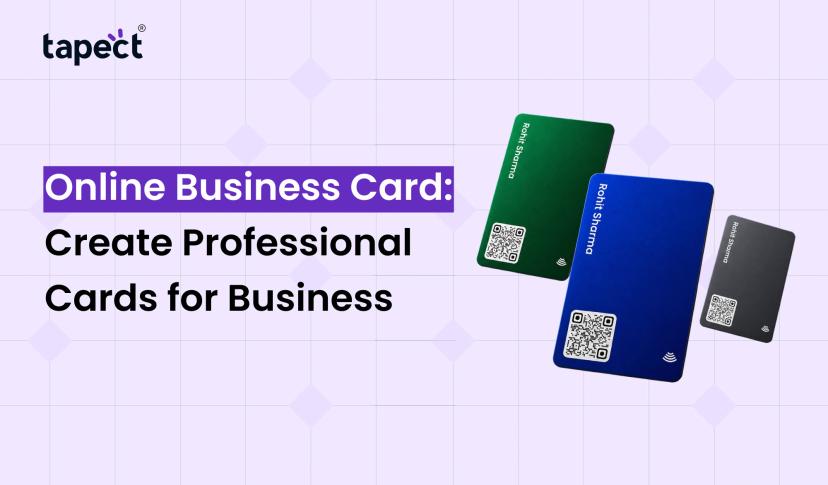
Instead of handing someone a paper card, you can use a Tapect NFC business card or share your digital profile link.
The advantages of applying Tapect are:
- Share your professional profile with one tap.
- Let people access your details using a QR code.
- Keep your important contact information in one place.
- Connect your website and social media profiles.
- Update your digital profile when your details change.
- Reduce your dependence on printed visiting cards.
Tapect makes it easier to share your professional information whether you are attending meetings, meeting new customers or visiting business events.
Who Can Use an Online Business Card?
A Business Card Online is a handy tool for anyone who is looking to make professional connections.
Some people who can benefit from digital cards include:
Business Owners
Inform potential customers about your company information, services, website and contact details.
Freelancers
One Profile is a place for designers, developers, writers and digital marketers to share their work and contact info.
Sales Professionals
Sales teams can easily pass their contact information to clients at meetings and business visits.
Real Estate Agents
Digital cards allow real estate agents to add their phone numbers, links to property websites and social media profiles.
Corporate Teams
Businesses can issue digital cards to employees, and keep a consistent brand reputation.
Tips to Make Your Digital Business Card More Professional
A good digital card should be simple, clear and useful. Here are some tips to make yours sparkle:
- Use a professional photo or company logo.
- Add only the contact details people need.
- Choose colors that match your brand.
- Keep your name and job title easy to read.
- Check every link before sharing your card.
- Add your website and important social media accounts.
- Update your details whenever something changes.
Add your website and key social media accounts.
Update your information – make a change.
Your digital card is your business. Remember that. Make it easy and simple for people to contact you.
FAQs
1. What is Business Card Online?
An Business Card Online is the digital version of a traditional business card. It includes your contact information, business details, website and social media links that can be accessed via a smartphone.
2. How to make a digital business card?
Select a digital card site like Tapect . Enter your contact information . Customize the design . Add your website and social links . Save your profile . Then you can share it via a link, QR code or NFC card.
3. Can I send my digital business card via WhatsApp?
Yes. You can share the link to your digital card on WhatsApp, email, SMS and social media. The receiver will open your profile and will see your contact details.
4. Are digital business cards superior to printed cards?
Digital cards are easier to update and share. They also reduce the need for re-printing. You can also use both options. There are still situations where printed cards are more handy than anything else.
5. Do I need an app to exchange an NFC business card?
No. Tapect allows people to view your digital profile on a compatible smartphone browser. They don’t need to download another app or sign up for an account to view your card.
6. Can I change my online business card later?
Yes You can update your digital profile when your phone number, email address, website or other contact information changes. This helps people to get your latest details.
Conclusion
Building a digital visiting card is an easy way to simplify business networking. You can share your contact details, website and social media profiles without carrying printed cards everyplace.
And, with a Business Card Online, you have more control over your professional information, since you can update your profile whenever you need to. Digital cards are a way to connect new relationships, from freelancers and sales professionals to business owners and corporate teams.
Tapect takes your networking experience to the next level. Tap or scan to share your details with NFC technology, QR codes and digital profiles.
Ready to make networking a bit easier?
Check out Tapect and design your digital business card today. Give your business a professional identity! Share your details with Tapect, Connect with more people!
 20 Nov 2026
 business