Each email you send is an opportunity to make a positive impression. How you come across matters whether you’re contacting a new customer, replying to a client, or putting out a business update. A professional email signature lets people know who you are, what you do and how to contact you.
Think about that. You send dozens of emails each day, but are you using them to promote your business? A good signature can turn a simple email into a useful branding tool. It looks professional on your messages and makes it easier for people to connect with you.
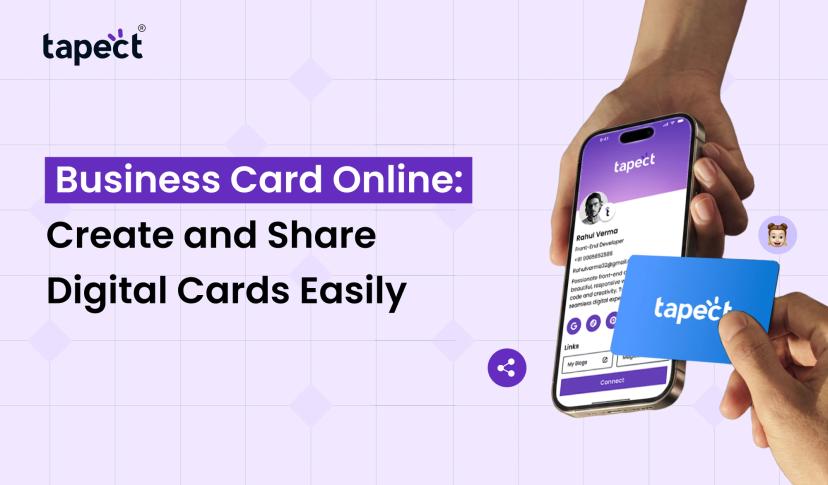
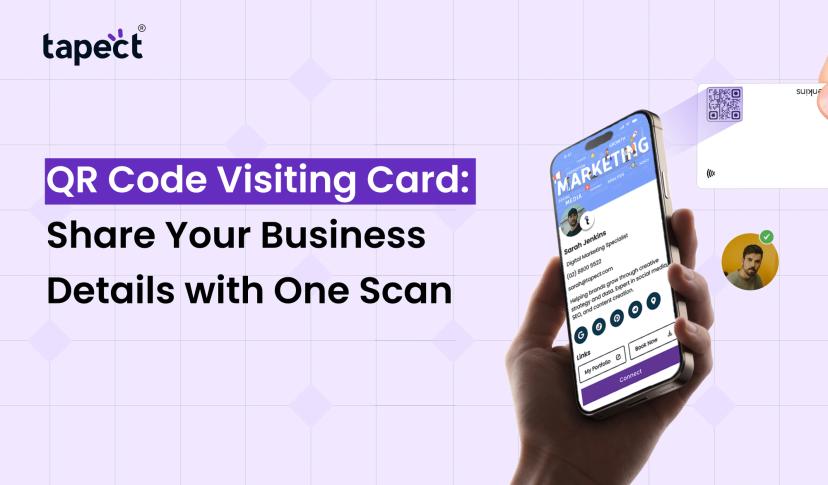
Tapect also allows businesses to link their Email Signature with the latest networking tools like digital business cards and NFC technology.
Let’s look at how to build a professional signature that builds trust and helps your brand grow.
What Is an Email Signature?
An Email Signature is a small block of text and design that is automatically inserted at the bottom of your email messages. This usually includes your name, position, company name, contact details and website.
Some also include their logo, social media links or a short call to action.
For example, a basic professional format might include:
- Full name
- Job title or position
- Company name
- Phone number
- Business email address
- Website URL
- Company logo
- Social media profiles
These details allow the readers to find out who sent the message without looking for more details.
Why Is a Professional Signature Important for Your Brand?
Your email communications are a great indicator of your business. A well designed and attractive design will make your brand look more trustworthy and organized.
Here’s why it’s important.
1. Creates a Strong First Impression
In business, first impressions count. In the blink of an eye, the person getting your email should know who you are and what your company does.
With the right contact information and a clean layout, your communication will look more professional.
2. Builds Brand Recognition
Putting your company name, logo and brand colors in every message makes it easier for people to remember your business. Even if someone receives a very short answer, they will remember your brand.
3. Makes Contact Easy
Customers should not have to search your site for your phone number or other contact information. Giving right information makes easier for them to find you.
4. Supports Your Marketing Efforts
You can use the space below your messages to share useful links, new services, special offers or upcoming events
It’s an easy way to keep your business top of mind without sending more marketing emails.
Important Elements of a Good Business Signature
Professional design doesn’t have to be complex. The goal is to share useful information in an easy to read format.
You can add the following elements:
Your Name and Job Title
I am always asked about my full name. Here’s how to do it: **Your Job Title** Here’s how to do it:
Company Name and Logo
Your company name helps people link your communication to your brand. The design is made more recognizable by a small logo.
Contact Information
Include important details such as:
- Phone number
- Business website
- Professional email address
- Office address, if required
Don’t give people a ton of contact options. Keep only the details people are likely to use.
Social Media Links
If you have them on LinkedIn, Instagram, Facebook or any other, you can add the links to your company’s profiles.
Make sure the links lead to active business pages.
A Short Call to Action
A brief message such as “Visit Our Website” or “Book a Free Consultation” can help to encourage the reader to take the next step.
How to Create a Professional Email Signature
With a few simple steps, it is easier to produce a good design.
Step 1: Choose Your Information
Select the information you’d like to include. Usually your name, title, company name, web address and phone number will be enough.
Step 2: Select a Clean Design
Choose a layout that fits your brand. Avoid too many colors, large fonts, or unnecessary graphics.
Step 3: Use a Signature Generator
A signature generator lets you create a professional-looking layout without needing graphic design skills. Add your details, choose a style, and arrange the information in minutes.
Step 4: Add Your Brand Elements
Include your company logo, brand colors and website link. Make sure it matches the rest of your marketing materials.
Step 5: Test Before Using It
Send yourself a test email. See how the design looks on the desktop and on mobile devices. And also make sure to click on each link to make sure it is working.
Best Tools to Create a Business Signature
You don’t need to be a design expert to make a great layout for your business. There are many online tools that make the process easier.
1. Signature Maker
Users can add names, contact information and more with a signature maker to build a custom design. It is a good choice for the professionals who want an easy setup.
2. HubSpot Tools
Another option to create a business-ready layout is the email signature generator hubspot tool. Users fill in their professional information, choose a template and personalize the design.
The hubspot signature generator can be helpful for people who want a simple signature without spending too much time on designing.
3. Email Platform Settings
Gmail and Outlook are platforms that let you enter your details directly through their account settings. Once saved, the information can automatically show up in new emails and replies.
Select a tool based on your requirements, design preferences and features you desire.
Email Signature Best Practices You Should Follow
A good design should look good and work well on the different devices.
Here are some simple tips:
- Keep it simple: Add only useful information.
- Use readable fonts: Choose common fonts that are easy to read.
- Follow brand colors: Use colors that match your company identity.
- Check mobile display: Make sure the layout works on smaller screens.
- Add working links: Test your website and social media URLs.
- Avoid large images: Heavy graphics may not load properly in every email.
- Update details regularly: Change your job title, phone number, or website when needed.
- Use one consistent design: Keep the same style across your team.
These little things will make your business communication look much better.
How Tapect Helps You Build a Stronger Business Identity
A professional brand is more than email communication. Businesses need simple ways to share their contact information during meetings, networking events and customer interactions.
Tapect provides modern networking solutions for professionals to share business details easily.
Here’s how you can link your email branding to Tapect products.
1. Connect Your Email and Digital Identity
A professional Email Signature helps people to recognize your business on the web. You can also take this one step further by linking your Tapect profile.
This is another easy way for customers to learn about your business.
2. Share Contact Details with an NFC Business Card
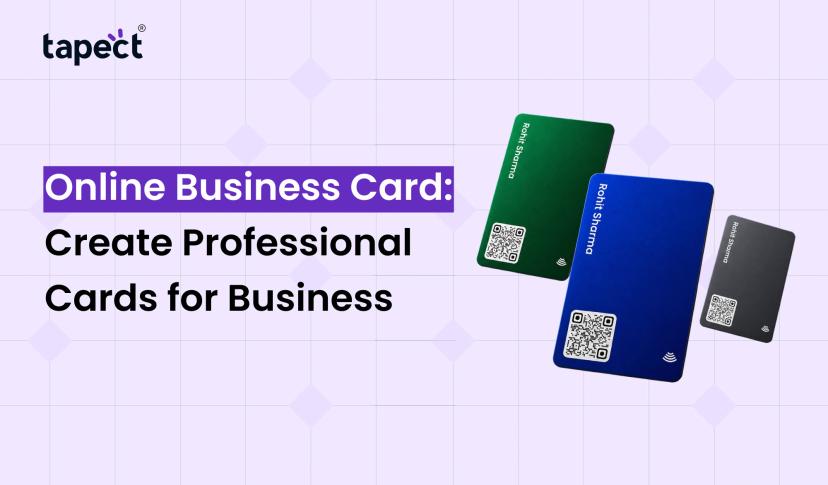
NFC business cards make sharing contact information easy. No need to carry multiple paper cards, just tap your phone to a compatible smartphone and share your professional details.
It helps business owners, sales teams, freelancers and professionals who attend networking events.
3. Create a Digital Business Card
A digital business card is an easy way to share your name, phone number, website, social links and other professional details.
Tapect lets you share your profile via link or QR code. This makes it easier to share contacts in online and offline meetings.
Common Mistakes to Avoid
A good design can lose its value even if it is overloaded with information or is not working properly.
Steer clear of these mistakes:
- Adding too many social media icons.
- Using different fonts and colors without a clear style.
- Including outdated phone numbers or website links.
- Using large images that take too long to load.
- Adding personal quotes that do not match your business.
- Making the layout difficult to read on mobile devices.
Keep in mind, simplicity and utility often trumps complexity.
FAQs
1. What makes up a professional business signature?
Please include your full name, job title, company name, phone number, website, and any other useful contact information. Add your company logo and social media links too.
2. How do I make a signature for free?
You are able to create professional layout using free online tools, email platform settings or a signature generator. Add your information, pick a design and test it before use.
3. Does a professional signature matter for small businesses?
Yes. It can help small businesses to build brand awareness, share contact details and present a cohesive image when interacting with customers.
4. May I include a link to my digital business card in my email?
Yeah. You can add your digital business card URL in your contact section. This way people can open your profile and see your business information.
5. How often should I change my signature?
Check it every few months or when you change your job title, contact information, company information, or website.
6. Does Tapect help with networking?
Yes. Tapect offers NFC and digital business card solutions that allow professionals to share their contact details with a tap, QR code, or digital link.
Conclusion
A professional Email Signature is a whole lot more than just a few lines at the bottom of your messages. It helps people become familiar with your brand, find your contact details and interact with your business. You don’t need a fancy design or any fancy tools to make one. Keep your branding consistent, information clear and layout simple.
Start by improving your email communication and make every email look more professional. You can also take your networking to the next level with Tapect’s NFC and digital business card solutions.
Create your professional identity. Powered by Tapect. Make your digital business card today and make sharing your business information simple!
 20 Nov 2026
 business