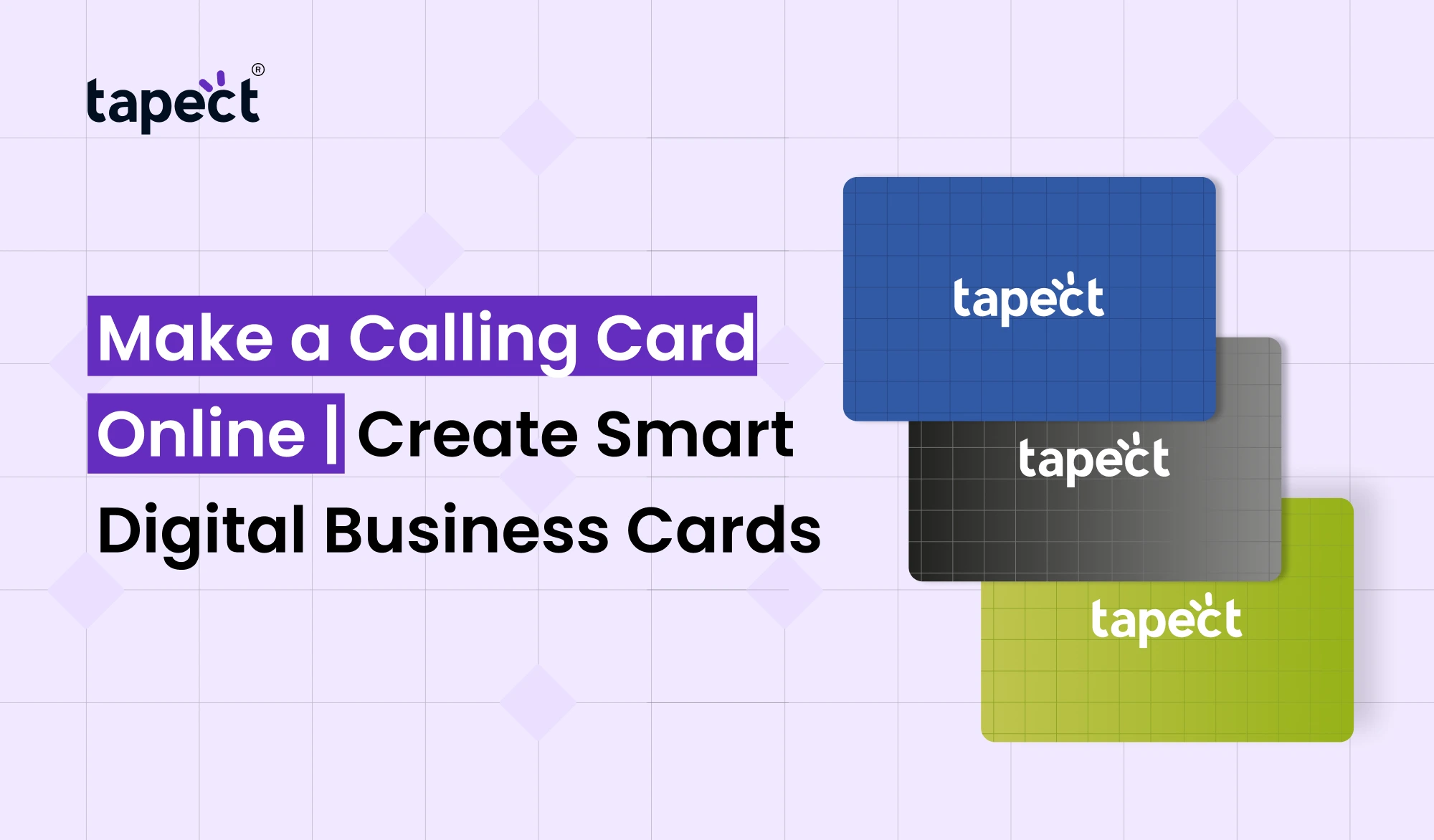
Your calling card is frequently the first thing people recall about you. A good card should look professional, convey your details clearly and make it easy for someone to get in touch with you later. You are able to design business card online today without spending hours working with a designer.
Tapect lets you build a smart profile that acts as a digital business card. Share your phone number, email, website, social links and more from one easy profile. You can also link your card with NFC technology for quick sharing.
Why Make a Calling Card Online?
You have more control when you Make a Calling Card. Pick your layout, add your brand details and update your information whenever you want. You don’t need to print a new batch each time your phone number or job title changes.
When you make a calling card online you can also make a card that fits your style. A clean layout is good for professionals and a bold design can be suitable for creative businesses.
A smart card helps people transition from a physical card to your online profile. Instead of a small piece of paper in a wallet they can store your information in their phone.
Benefits of Digital Calling Cards
Digital Calling Cards make networking easier with all your contact info in one place. You can share your profile by a link, a QR code or an NFC card.
Key benefits are:
- Share contact details in seconds.
- Add social media and website links.
- Update details without reprinting.
- Make it easier for people to save your contact.
- Reduce the need for paper cards.
- Give prospects a direct path to your business.
If you go to meetings, events, sales calls and conferences, it can save you time and missed connections.
Create a Calling Card Design That Fits Your Brand
Your Calling Card Design must be simple and easy to read. You don’t need a lot of colours or font or graphics. Usually, a clear name, job title, contact details and trademark will do the trick.
Consider what you want someone to do when they see your card. Make sure people can locate your number to get calls. Want more traffic to your website? Add a clear website button to your profile.
Custom Calling Cards can also have your logo, brand colours, profile photo, and social links. It’s not about covering every square inch. The aim is to help people understand who you are and how to contact you.
How to Make a Calling Card With Tapect
Tapect is making this easy for companies and professionals. You can create your profile and link it to a smart card.
Here are the simple steps:
Select your Tapect card.
Insert your name and professional details here.
- Choose your Tapect card.
- Add your name and professional details.
- Add your phone number, email, website, and social profiles.
- Add a profile photo or company logo.
- Check your profile on mobile.
- Share your profile using your card, link, QR code, or NFC.
Setup can be fast but you still should carefully check your profile before you start sharing it.
Business Calling Cards for Professionals
Business Calling Cards are great for sales teams, consultants, freelancers, agents, founders and service providers. A smart profile has more room than a traditional printed card.
You can put in information that would not fit neatly on paper. You can add a portfolio, booking page, WhatsApp contact, social media accounts, and product links.
This is useful if your work involves follow-ups. They can scan or tap your card and get the information they need, without having to search for you on the web.
Modern Calling Cards for Better Networking
The Calling Cards of today are designed for speed and convenience. People already use their phones to do most daily tasks, so it makes sense to share contact information digitally.
Tapect cards can use NFC, which means that someone can tap the card against a compatible smartphone to open your profile. You can also have a QR code for those who prefer to scan.
This combo gives you more than one way to link up. It also makes your networking experience feel easy, not complicated.
Add More Value to Your Card
A good card should be more than just your name. It will help to start a conversation and the next step will be simple.
When you develop a calling card consider including:
- A short introduction about your work.
- A link to your website.
- Your social media profiles.
- A WhatsApp or call option.
- A booking link.
- A portfolio or product page.
- A customer review or testimonial page.
These details can turn a simple introduction into a valuable business connection.
Why Use an NFC Business Card?
An nfc business card offers people a fast route to open your digital profile. They can tap the card instead of typing in a long web address.
This can make sharing much easier for face-to-face meetings and events. It also means you won’t have as many cards to carry around.
Tapect offers the tactile feel of a card with the ease of sharing digitally. That makes a nfc business card a convenient option for people who meet new contacts regularly.
How to Make a Calling Card Stand Out
There is no need for a flashy design for a professional card. Focus on clarity, useful content, and making a good first impression.
If it matches your personal brand, use a clear photo. Make your job title brief. Use your actual business links. Check all contact information before you forward it.
Your profile should also look good on a phone. Most people will open this on mobile, so buttons and text need to be easy to use.
Keep Your Information Updated
One great benefit of a digital business card is that your details can be kept current. You can update your profile when you change your job, phone number, website or social profile rather than printing new cards.
This is one of the reasons why digital business card solutions are helpful for growing businesses. Your contact profile can evolve with your business.
Depending on the features available in your card system you can also create a calling card for different business needs.
Calling Card vs Traditional Printed Card
The traditional card still has a place in business. They are easy to give away, and known to all. The problem is they can grow old.
A smart digital card offers you more flexibility. It provides more storage space and it allows people to access the online resources directly.
You don’t have to pick. With a physical Tapect card you get the professional feel of a printed card with a digital profile when tapped or scanned.
Tips for Better Networking Results
Your card is just part of networking. It’s not just what you say, but how you follow up.
When you meet someone, tell them what you do in one simple sentence. Then show your card. Make the person want to visit your profile (to see your work, save your contact, etc).
After the meeting, follow up while the discussion is still fresh. A smart card makes the first connection easier but good communication makes that connection a relationship.
Make a Calling Card for Your Business Today
If you want an easy way to update your networking, it’s a good time to make a calling card. A smart profile can organise your information and help new contacts find you more easily.
Tapect makes it easy for professionals to bridge the physical and digital worlds of sharing. Use your card in meetings and events, conferences, sales visits and everyday business conversation.
FAQs
1. No design skills? Can I still Make a Calling Card?
Yeah. . . . You can add your information using a simple online card system, no advanced design knowledge required.
2. What do I write on a calling card?
Add your name, title, phone number, email address, website, social links and a short bio. Please only add information that will help people contact or know you.
3. Are digital calling cards better than paper calling cards?
They are more flexible, as your information can be updated. Paper cards are still handy, so using both gives you the best of both worlds.
4. Can Tapect act like an NFC card?
Yes. Tapect has NFC enabled cards that can be tapped on a compatible phone to open your digital profile.
5. Can I use QR code with my smart card?
Yes. If people like to scan, a QR code can be a different way for them to get to your profile.
Conclusion
A smart calling card can make networking faster, easier and more useful. You can share more than contact details, and give people a direct link to your website, social profiles, portfolio or booking page.
With Tapect, your calling card combines a professional physical card with digital sharing. Whatever you decide on, be it NFC, a QR code or a direct profile link, the goal is simple: help people connect with you without extra steps.
Call to Action
Want to replace the way you share your contact details? Create a calling card with Tapect and a smart digital profile that is easy to share. Select your Tapect card, create your profile and start making better business connections today.
 06 Oct 2026
 business