It may be small but a business card can make a big impression. When you first meet a new client, attend an event, or talk to a potential business partner, your card gives people an easy way to remember you.
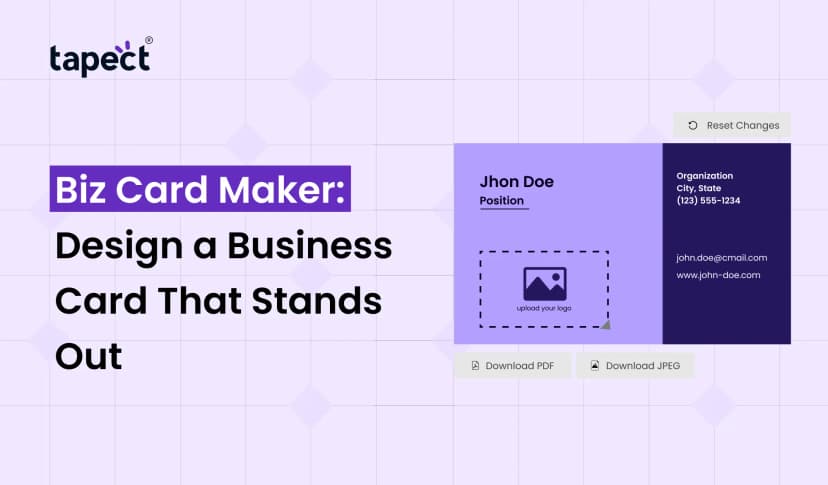
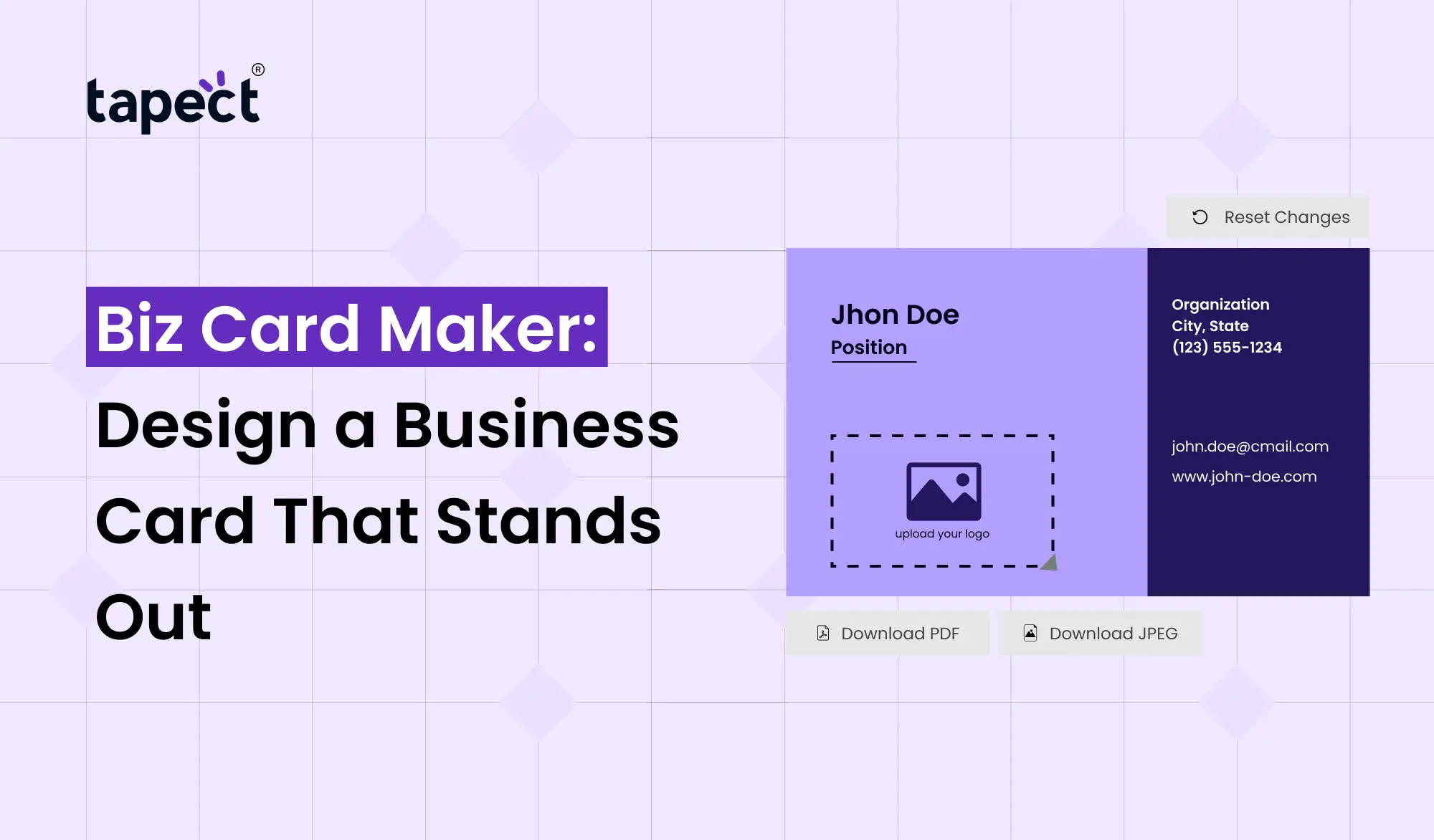
Today you don’t need to become a graphic designer to create a professional card. Biz Card Maker allows you to design your own business card in easy simple steps. You can choose your layout, add your contact details, add your logo and create a design that fits your brand.
A good business card should not only be nice-looking. It should also be easy to contact you after your initial meeting.
What Is a Biz Card Maker?
Biz Card Maker is an online business card creator that eliminates the need to start from scratch. Most tools come with templates that you can edit to suit your needs.
You can typically change:
- Your name and job title
- Phone number
- Email address
- Website
- Company name
- Logo
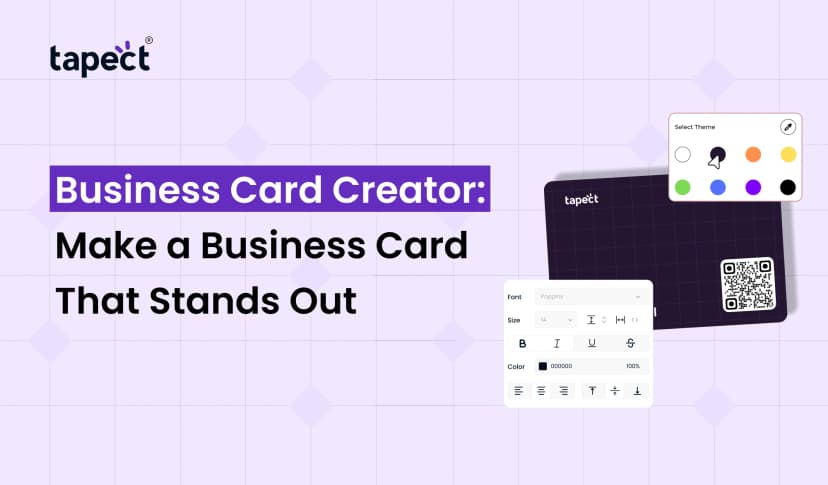
- Colors and fonts
- Social media links
- QR code
This makes it so much easier to create your own business cards even if you have little or no design experience.
If you want a simple card, you can use Biz Card Maker instead of hiring a designer and create the design that works for your business.
Why Use a Biz Card Maker?
Designing a traditional business card can take time. You may have to explain your idea to a designer, wait for different versions and make changes before the final card is ready.
Biz Card Maker gives you more control.
Easy to Use
You don’t need to be a design expert. Choose a template, fill in your information, customise the design and view the final result.
Saves Time
You are able to make card in a short time rather than waiting days for a design.
Easy to Customize
You can tweak the colours, fonts, layouts and other details until it looks right for your brand.
Affordable Option
Online card makers can be a practical way for freelancers, startups and small businesses to create professional cards without a large design budget.
How to Make Your Own Business Cards
Want to create your own business cards? Start with the info people actually need.
1. Add Your Name
Your name should be easy to find. If you have a professional title, please include it below your name.
For instance:
Jay Patel Digital Marketing Executive
2. Add Your Business Name
Your company’s name should be memorable and remind people of where you work or the service you provide.
3. Add Contact Details
Add the contact details you want customers to use.
You can include:
- Phone number
- Email address
- Website
- Business address
- Social media profile
Don’t overfill the card. Here are some important things to keep in mind.
4. Add Your Logo
Your logo connects the card to your brand. Position it where it can be seen but not draw attention away from your contact information.
5. Add a QR Code
Adding a QR code can make your card more useful. It can be scanned by people to go to your website, contact page, social profile or digital business card.
How to Create My Business Card With a Professional Look
If you’re asking, “How can I make my business card not look basic?” focus on clean design.
You don’t need a lot of colours or graphics. A simple layout can appear more professional.
Some tips here:
- Use one or two main colors.
- Choose an easy-to-read font.
- Keep enough space between sections.
- Make your name and business name clear.
- Avoid unnecessary information.
- Keep the design connected to your brand.
The aim is simple: within a few seconds, anyone should be able to know who you are and contact you.
Choosing the Right Business Card Design
A good Biz Card Maker provides you with various templates. However, don’t pick a template because it looks good.
Consider your industry and audience.
A creative designer may want something bright and colourful, while a lawyer or financial consultant may want something more simple and formal.
Consider this:
Does this design reflect my business?
If yes, you’re on the right track.
Card Business Maker Features to Look For
When you are looking for a card business maker, look for features that will simplify the design process.
Features useful:
- Ready-made templates
- Custom colors
- Font selection
- Logo upload
- QR code support
- Digital sharing options
- Easy editing
- Download options
- Mobile-friendly design tools
A good tool should allow you to change things without making it more complex.
Make Your Business Card More Useful With Tapect
A traditional card provides people with your basic information. But a contemporary business card can do more.
Tapect helps businesses and professionals share their information via digital business card solutions.
Tapect helps you complete your digital profile with relevant information and gives people a simple way to contact you.
Why Consider Tapect?
- Give them your contact info digitally.
- Add your website and social media links.
- Make sharing easy with QR Code.
- Link your physical card to your digital profile.
- Make networking easier at events and meetings.
- Make it easy for contacts to save your details.
Rather than simply using printed information, you can tie your business card to a digital experience.
Add a QR Code to Your Business Card
The QR code is one of the easiest ways to link a printed card to online information.
Anyone can take a smartphone and scan the code to open your selected page.
You might share:
- Your digital business card
- Website
- Portfolio
- WhatsApp contact
- Social media profiles
- Product page
- Booking page
If you are using a Biz Card Maker that supports QR codes, be sure to test the code before printing your cards.
A broken QR code can lead to a bad experience, so always scan it on a phone before sending the design to print.
Common Mistakes to Avoid
With a good Biz Card Maker, you could end up with a weak final design if you put too much information in it.
Some common errors are:
Too Much Text
business card has a limited space. Keep the details brief and helpful.
Tiny Fonts
If people have to zoom in to read your card, your font is too small.
Too Many Colors
The more colours you use, the messier the card. Stick with a simple colour combo.
Low-Quality Logo
Use a clear version of your logo so it doesn’t look blurry when printed.
No Call to Action
Tell people what to do next. example:
Add Me to Your Contacts Scan
or
Visit Our Website Click Here
Who Can Use a Biz Card Maker?
A Biz Card Maker is useful for just about anyone who needs to share professional information.
It may be useful for:
- Freelancers
- Business owners
- Sales professionals
- Real estate agents
- Consultants
- Designers
- Developers
- Digital marketers
- Students
- Startup founders
- Event professionals
You might want to create another style of card to suit your industry and personal brand.
Digital Business Cards vs Printed Cards
Printed cards still work for face-to-face networking. But digital cards are easier to update with information and to share more information.
A digital business card can contain more links than you can fit on a little printed card.
A pragmatic solution is to do both.
Your printed card can hold your key info and a QR code that connects people with your digital profile.
You get the benefits of both physical networking and online sharing.
FAQs
What is Biz Card Maker?
A Biz Card Maker is a web-based design application that provides you with templates and editing tools to create and personalise professional business cards.
Can I create my own business cards?
Yes. Create your own business cards with an online card maker. You can add your name, contact details, logo, colours and so on.
How do I design my business card online?
Choose a template, fill in your information, customize the design, add your logo or QR code and lastly, check the design before downloading or printing it.
What do I put on my business card?
Include your name, job title, company name, phone number, email, website and any other key contact details. You can even add a QR code to your digital profile.
Is QR code on business card helpful?
Right. A QR code links your printed card to your website, digital business card, portfolio, social media or contact page.
Can I use Tapect with business card?
Yes. Tapect makes it easier to share contact info and online links by bridging your physical networking experience with a digital business card profile.
Conclusion
Creating a professional business card shouldn’t be difficult. A Biz Card Maker allows you to begin by using a template and customizing it to fit your name, brand and business.
Make your design clean, use readable text, add only useful information and maybe add a QR code for easy digital sharing.
If you want to do more with your business card than just share basic contact info, you can use Tapect to create a digital profile that provides your contacts with more ways to connect with you.
Ready to Create a Better Business Card?
Get started designing your card today and make each networking opportunity count. Pick a sleek design, fill in your key details, connect your digital profile to Tapect and make it easy for your new contacts to keep in touch.
 29 Sept 2026
 business