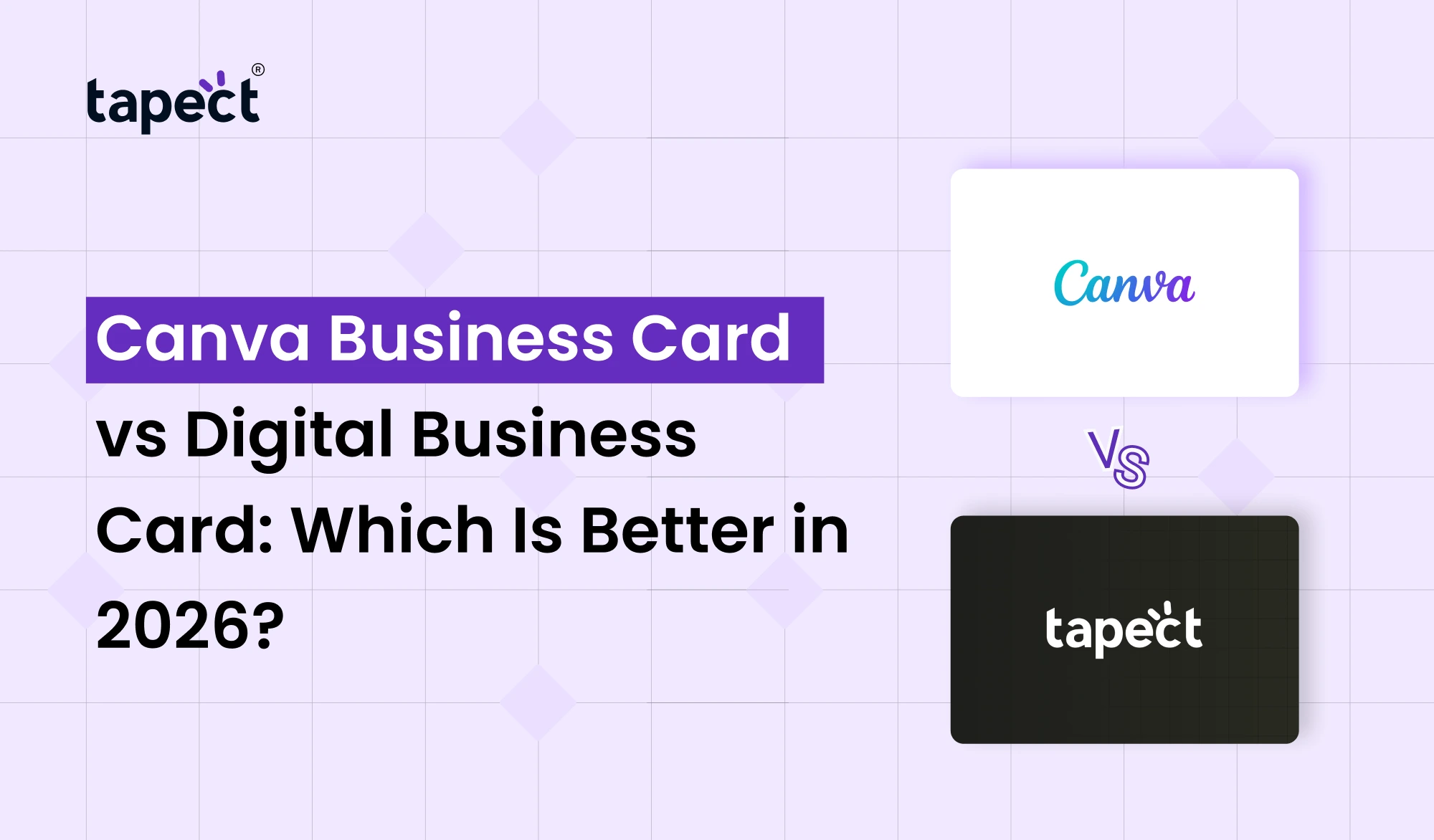
There has been a lot of change in business networking in recent years. Nobody wants to lug stacks of paper cards around anymore. They want a fast, easy way to share their contact details in a modern way. That’s why a lot of professionals are drawing parallels between a Canva Business Card and a Digital Business Card.
Both of these options are popular in 2026, but are used for different things. A Canva Business Card is great for designing beautiful printed cards and a Digital Business Card is all about instant sharing using smartphones, QR code and NFC technology.
If you are a business owner, freelancer, salesperson or entrepreneur, this guide will assist you to choose the right option for your networking needs.
What Is a Canva Business Card?
A Canva Business Card is a business card created using Canva’s online design platform. You can choose among thousands of templates, insert your logo, change colours and make a professional looking card without graphic design skills.
Canva Business Card templates are popular among small businesses because they are inexpensive and easy to modify. You can make the card online and print it through Canva or any local printing service.
Key Features
- Drag-and-drop design editor
- Ready-made templates
- Custom fonts and colors
- Logo upload option
- Print-ready files
Though the design takes place online, a Canva Business Card is primarily a printed product.
What Is a Digital Business Card?
A Digital Business Card is your business card in electronic format. You don’t pass a paper card but share your details via a QR code, a link or an NFC Business Card.
When someone taps or scans your card they can instantly save your contact info, visit your website, view your social media profiles or send you a message.
Platforms like Tapect make this process easy and professional.
Common Types
- QR code card
- NFC Business Card
- Virtual Business Card
- Smart Business Card
- App-based digital profile
Why This Comparison Matters in 2026
People’s connections have become more mobile. We connect at events, cafes, coworking spaces, and video calls. A card that only works on paper may not be enough any longer.
That is why the debate between Canva Business Card vs Digital Business Card is becoming more important to professionals looking for better networking results.
Canva Business Card: Advantages
Easy for Beginners
The biggest reason people choose a Canva Business Card is ease. You can make a card in minutes without hiring a designer.
Huge Template Library
If you’re in real estate, salons, restaurants, consultants, tech companies, etc., Canva has templates for just about every industry.
Good for Print Marketing
If you attend trade shows or local events where printed materials are the norm, a Canva Business Card still works well.
Affordable Design Option
Custom graphic design services can be a big expense. A professional Canva Business Card can be made for a very low cost.
Canva Business Card: Limitations
Information Cannot Be Updated
When your Canva Business Card is printed, the change in phone number, email or website means reprinting.
No Instant Interaction
A printed card does not automatically link someone to your online profile, unless you add a QR code manually.
Limited Tracking
After you hand out your Canva Business Card, you won’t know how many people have viewed it.
Digital Business Card: Advantages
Instant Sharing
Share a Digital Business Card with a tap or a scan. This is a lot faster than swapping paper cards.
Always Up to Date
If you change your phone number or website, you change it once and everyone with your card has the current information.
Better Lead Generation
A Digital Business Card can include website links, WhatsApp buttons, booking calendars, portfolios, social media profiles and payment links. That makes it a more powerful lead capture tool.
Contactless Networking
Contactless Business Card became a trend for touch-free meetings. This trend is consistent with an NFC Business Card.
Digital Business Card: Limitations
Requires a Smartphone
The other person can view your Digital Business Card on a smartphone.
Learning Curve
Users can take a few minutes to get the QR codes or NFC sharing.
Internet May Be Needed
Some Virtual Business Card features work best when you’re connected to the internet.
Which Option Looks More Professional?
It is contingent upon your audience.
When Canva Business Card Looks Better
- Traditional industries
- Local retail businesses
- Older customer groups
- Formal meetings where printed materials are expected
When Digital Business Card Looks Better
- Tech startups
- Consultants
- Freelancers
- Sales teams
- International networking
- Modern business events
By 2026, many professionals will carry a physical card but use a Digital Business Card as the main tool for networking.
The Role of NFC Business Card in 2026
One of the fastest growing networking tools is the NFC Business Card. It has a tiny NFC chip that lets people access your profile by tapping their phone on the card.
Why Businesses Prefer It
- No app required
- One-tap sharing
- Premium feel
- Reusable for years
- Works with QR codes as backup
Tapect’s Smart Business Card solutions combine NFC technology with a complete digital profile, giving users both convenience and a professional impression.
Cost Comparison Over Time
Canva Business Card
Initial cost: Low
Long-term cost: Medium to High
You need to re order cards when they run out or your details change.
Digital Business Card
Initial cost: Medium
Long-term cost: Low
You can reuse One Digital Business Card for years, updating it as you wish.
Active networkers often find the digital option to be more affordable in the long run.
Which Option Generates More Leads?
The biggest difference is seen in lead generation.
Usually, a Canva Business Card will give someone your contact information.
A Digital Business Card can take them through the complete customer journey:
- Scan card
- Visit landing page
- View services
- Book a meeting
- Send inquiry
- Save contact automatically
This extra interaction increases the chances of turning a meeting into a customer.
Best Choice for Different Users
- Local shop owner: Canva Business Card
- Freelancer: Digital Business Card
- Sales professional: NFC Business Card
- Corporate employee: Hybrid (both)
- Startup founder: Tapect Smart Business Card
Should You Use Both Together?
Yep. It’s the approach many successful people take.
You can add a QR code to a modern Canva Business Card that will link to your Digital Business Card. So you have a physical card for face-to-face meetings and a digital profile for instant follow-up.
This hybrid approach is made possible by Tapect, which uses NFC and QR to connect printed cards to digital profiles.
FAQs
Is Canva Business Card free?
Yes, there are free templates on Canva. There may be additional charges for printing.
Digital Business Card vs. Printed Card: What’s Better?
If you are networking and generating leads frequently, a Digital Business Card is usually more effective.
Will every phone work with an NFC Business Card?
Most newer iPhones and modern Android phones have QR scanning and NFC.
Can I put a QR code on a Canva Business Card?
Yes, you can add a QR code on your Canva Business Card that leads to your digital profile.
What is the greener choice?
Digital business cards are more environmentally friendly as they reduce paper waste and the need to reprint.
Conclusion
How do you network in 2026? Canva Business Card or Digital Business Card, which is better?
If you want a simple, cheap and good-looking printed card for local or traditional business interactions, then go with Canva Business Card.
Get a Digital Business Card If you want instant sharing, easy updates, lead tracking and modern networking experience.
The best solution for most professionals today is a Smart Business Card, merging physical design with NFC and QR technology. This is where Tapect shines. It gives you the look of a premium business card and the power of a fully linked digital profile.
Call to Action
Don’t be giving away cards that are lost in a purse.
Create a premium Digital Business Card, NFC Business Card and Smart Business Card with just a tap or scan with Tapect.
Create Your Tapect Card Today
- Instant contact sharing
- QR and NFC technology
- Custom branding
- Social media and website links
- Easy profile updates
- Professional networking experience
Make your Tapect Digital Business Card today, and turn every meeting into a new business opportunity.
 16 Oct 2026
 business