Your business card is usually the first thing people remember after meeting you. A clean, professional card will make it easier for customers, clients and business partners to reach you later. But today you don’t have to spend hours at a print shop to make one.
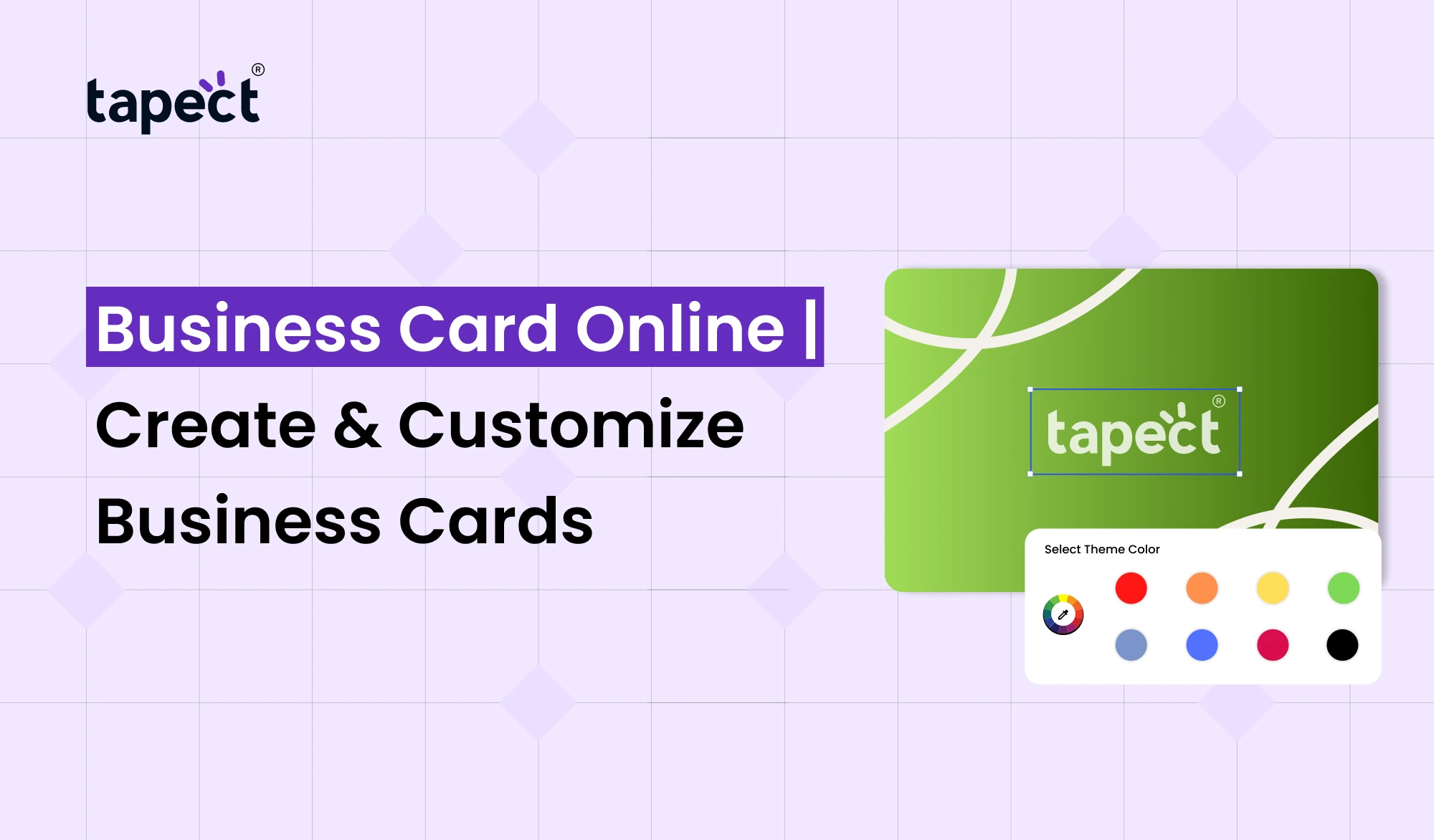
You can make professional card from your computer or phone with a Business Card Online tool. Pick a design, add your details, tweak the layout, and make a card that suits your brand.
Tapect makes this process simple, allowing professionals and businesses to create modern cards that can bridge the offline and online world.
What Is a Business Card Online?
A Business Card Online is a business card you make on an online platform instead of designing it all yourself from scratch. You can add your name, job title, phone number, email, website, social media links and other important info.
An online card also has modern features like QR codes and NFC technology. This allows people to easily save your contact information or view your online profile.
If you’re a freelancer, salesperson, business owner or employee, making your card online saves time and makes networking easier.
Why Create Business Card Online?
Traditional cards still have a place, but the way we share contact information has changed with digital devices. With Business Card Online, you’ve got more control over the design and the information.
Some of the helpful benefits include:
- Make your card from wherever you are.
- Edit your information as needed.
- Choose from a wide range of layouts and styles.
- Put your website and social media links.
- Add QR codes for easy sharing
- Link your card to digital contact info.
- Share your information without typing it in.
A modern card can make networking a lot easier for professionals attending meetings, events, conferences or trade shows.
How an Online Business Card Maker Works
An online business card maker is meant to be very user-friendly for creating cards. You don’t need to be a design expert to begin with.
For most platforms, the process is simple:
1. Select a Template
First, select a layout appropriate for your profession and style. You can find corporate or modern designs, simple and colourful.
2. Add Your Details
Give your name, job title, company name, phone number, email and web site.
3. Add Your Brand
Include your company logo, colours and other branding elements. It helps people to know your business.
4. Add Digital Features
Depending on the platform, you can add a QR code, social links, contact buttons or NFC features.
5. Review Your Card
Before sharing or printing the card, check your spelling, phone number, email and links.
This simple process lets you create a professional Business Card Online without starting from scratch.
Create a Professional Business Card With Tapect
Tapect helps businesses and professionals create modern contact sharing experiences. You can link your card to a digital profile, rather than just a card that shows information.
A Business Card Creator might be helpful if you want to have more control over the design of your card. You are able to set up a profile so that your contacts have quick access to your information.
With Tapect create a professional presence that works great for meetings, networking, sales, and business introductions.
Why Choose Tapect?
- Easy-to-use digital profile
- Modern contact-sharing options
- QR code support
- NFC-enabled networking options
- Easy access to contact information
- Suitable for professionals and businesses
- Helps connect physical networking with digital sharing
Customize Your Online Visiting Card
Your card should mirror your business. A generic design is not always going to fit well with your brand.
An Online Visiting Card gives you the liberty to create a card that represents you.
You can change things such as:
- Name and job title
- Company logo
- Brand colors
- Profile photo
- Contact information
- Website
- Social media accounts
- QR code
- Digital contact profile
Keep the design simple. If you use too many colours, fonts, or details, it can make your card hard to read.
Add Your Contact Details
The primary purpose of a business card is to be able to contact you. So make it easy to find your important details.
Your card might have:
- Name: Your full name
- Job Title: Your professional role
- Company: Business or organization name
- Phone: Your preferred contact number
- Email: Professional email address
- Website: Your main business website
- Social Media: LinkedIn, Instagram, or other useful profiles
Add only information your customers or contacts will really need.
Use NFC Business Card Online for Faster Sharing
Networking is going more digital. An NFC Business Card Online can make sharing contact information quicker and more convenient.
NFC allows compatible smartphones to communicate with an NFC-enabled card simply by tapping on it. Your contact can pull up your digital profile in a fraction of the time it takes to write down a phone number or website.
The NFC card is especially useful for the following purposes:
- Sales professionals
- Real estate agents
- Consultants
- Entrepreneurs
- Freelancers
- Small business owners
- Event professionals
You can even combine NFC with a QR code. This means that people have more than one way of getting to your information.
Create a Digital Business Card Creator Profile
With a Digital Business Card Creator, you are able to create a profile that contains more information than a printed card.
Instead of writing everything out on a small piece of paper, you can set up a digital profile with useful links and contact options.
For instance, your profile could have:
- Contact information
- Company website
- Portfolio
- Social media links
- Location
- Product or service links
This makes your networking profile more useful and easier to keep up.
Business Card Online vs Traditional Business Card
Both have their place, but they work differently.
An old school card tells someone your basic info on paper. Once printed, changing the information usually means creating a new print run.
An online Business Card can offer you more flexibility. You can update your digital information without re-designing your whole profile.
Today, a modern approach is to use both. You can still give them a physical card, but you can also give them a digital profile via QR or NFC technology.
Tips for Creating a Better Business Card
A business card doesn’t have to be complicated. This could be a good time to get them to eat something.
Keep the Design Clean
Use enough space between different sections. Make sure your contact details are easy to read.
Use Professional Fonts
Pick fonts that will be easy to read on phones and printed cards.
Add a Strong Call to Action
Tell people what they could do next.
For instance:
- Scan to Save My Contact
- Tap to Connect
- Visit My Website
- Connect With Me
- View My Portfolio
Check Every Link
Check all links before sharing your card. A broken website or social media link can make a bad impression.
Keep Your Information Updated
Don’t forget to update your online profile if your phone number, job title, website or company changes.
How Business Cards Online Can Help With Networking
Networking is more than simply meeting people. And it is also about making it easy for people to remember you and to contact you.
Business Cards Online can help by providing people with easy access to your contact details. Or a QR code or NFC feature can take them directly to your profile.
Imagine meeting a prospective customer at an event. You can let them scan or tap your card, rather than having them type your info into their phone.
That small change can make for a better talk.
Common Mistakes to Avoid
When you create an online card, don’t put too much information on it.
Mistakes to avoid:
- Using too many colors
- Adding several different fonts
- Making contact details too small
- Using low-quality logos
- Adding unnecessary information
- Forgetting to test QR codes
- Using outdated contact details
- Adding links that do not work
The task is simple. It’s to make it easy for someone to know who you are and how to contact you.
FAQs
What Is an Online Business Card?
A Business Card Online is an online platform where you can make business card. It can include contact details, websites, social profiles, QR codes and digital sharing options.
Can I make a business card without having design skills?
Yeah. An online business card maker usually has pre-made templates and user-friendly editing tools, so you can design a card even without advanced design knowledge.
What is Business Card Maker?
A Business Card Creator is a software program that helps you create and customise your business card. You can usually include your contact information, logo, colours and other details.
What is Online Visiting Card?
Online Visiting Card is a digital version of a traditional visiting card. You can share it with a link, QR code or NFC technology.
Can a digital business card use NFC?
Sure. An NFC Business Card Online connects your physical NFC card to your digital profile, making it easy to share contacts quickly and easily.
you can put a QR code on your business card?
Yes. A QR code can take people to your website, contact profile, social media, portfolio, or any other online destination.
Why Use a Digital Business Card Creator?
A Digital Business Card Creator can help you create a profile with more information than a regular printed card. You can also update your details with more ease.
Conclusion
Designing Business Card Online is the easy way to improve the way of exchanging your contact information. Pick a design, add your business information, upload your branding, and integrate your card with online tools.
Take your networking to the next level with Tapect, modern contact sharing combined with a professional digital profile. Whether you like QR codes, NFC or a digital card, the idea is to help people connect with you fast and easily.
A good business card is more than a phone number. It gives people a reason and an easy way to keep in touch.
Create Your Business Card With Tapect Today
Want to simplify networking? Design your Business Card Online with Tapect, customise your profile and give your customers an easy way to get in touch with you.
Build your Tapect business card today and make every introduction an opportunity!
 16 Oct 2026
 business